Notion 2.14: 간단한 표 🏓

간단한 표

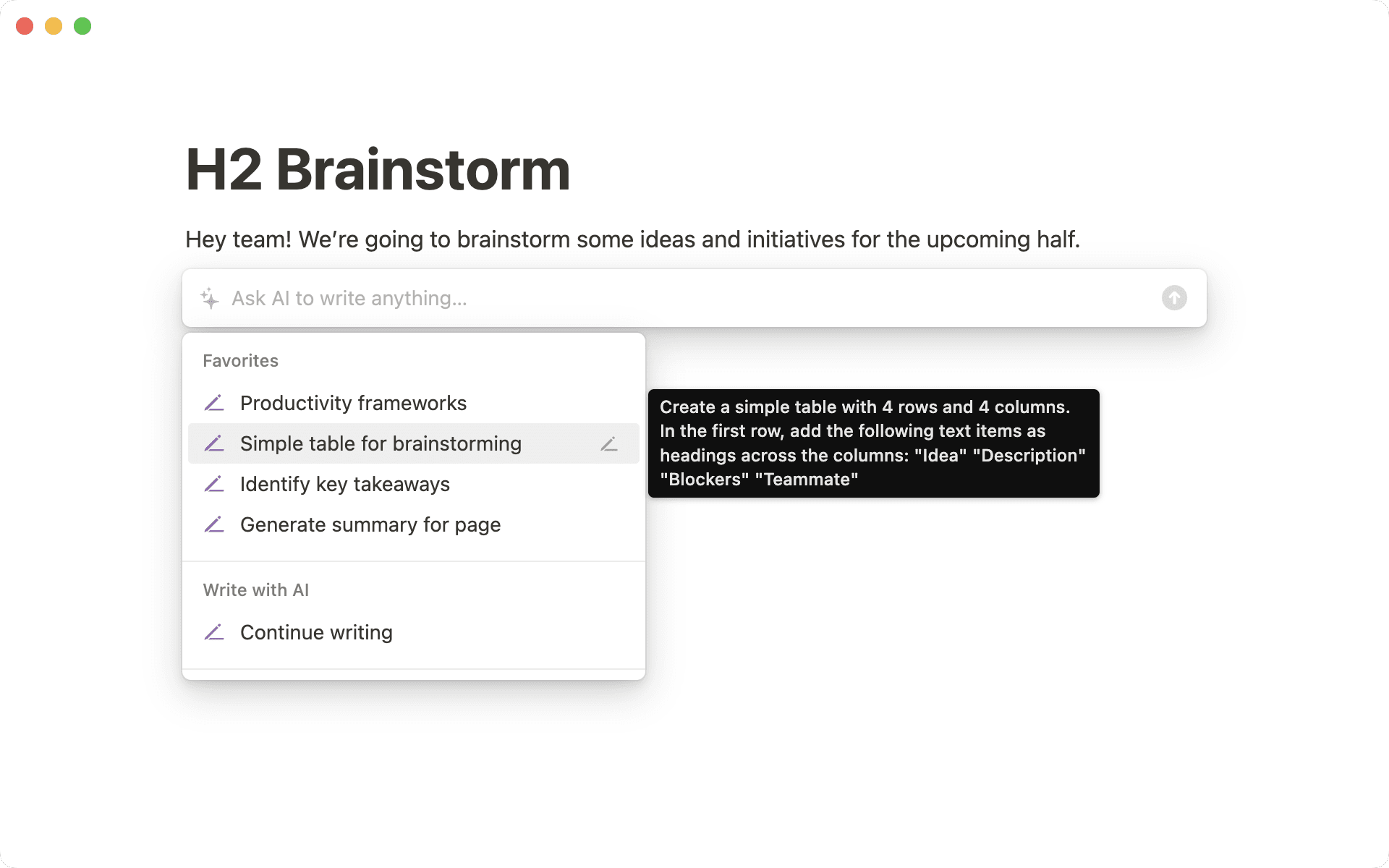
페이지에 간단한 표를 넣고 싶다면 /표를 입력하세요. 오른쪽 하단 코너를 드래그하면 열과 행을 쉽게 추가할 수 있습니다. 설정 드롭다운 메뉴에서 '행 제목'과 '열 제목' 토글을 켜면 첫 번째 행과 열을 강조할 수 있습니다.

간단한 표 활용하기 가이드에서 자세히 알아보세요.

댓글 개선

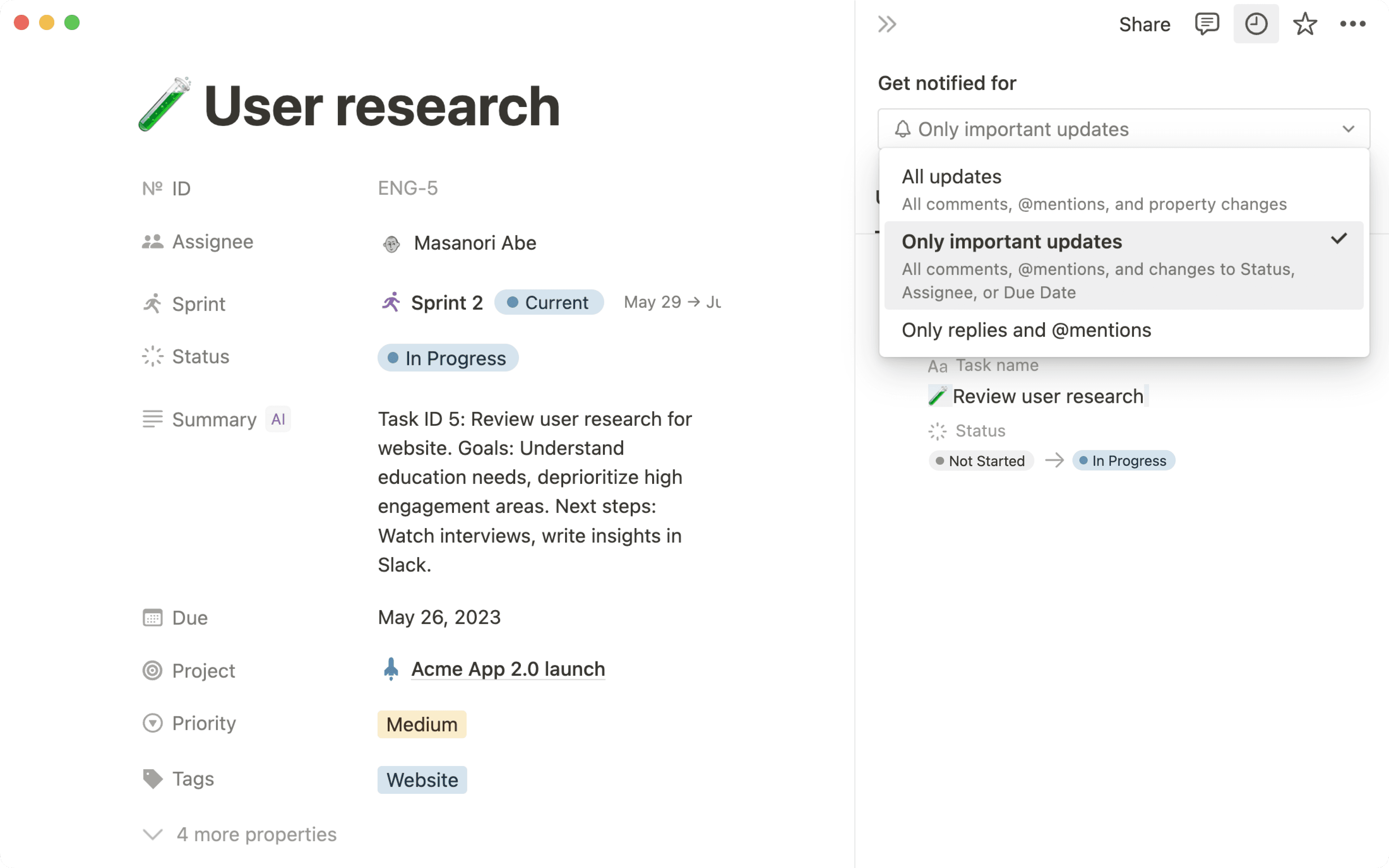
메모와 문서의 댓글이 더 눈에 띄게 변했습니다. 더 편하게 피드백을 요청하거나 분기별 목표를 브레인스토밍하고 프로젝트를 진행하세요.

템플릿 갤러리

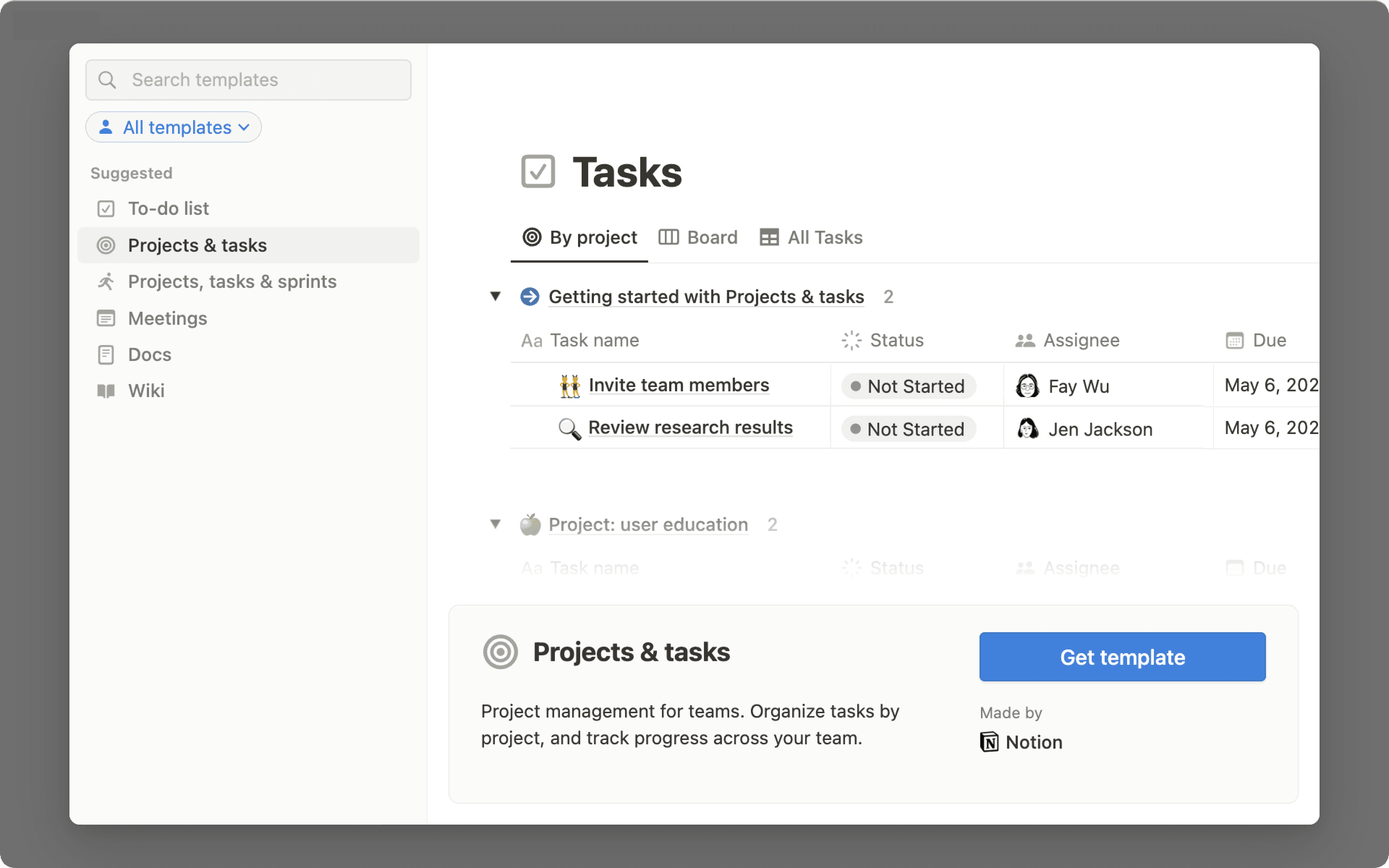
Notion 워크스페이스는 무한한 가능성을 지니고 있습니다. 전세계의 Notion 커뮤니티는 그런 가능성을 실현할 수 있게 도와주죠. 완전히 새로워진 템플릿 갤러리는 전세계 사용자가 만든 최고의 대시보드, 페이지, 워크플로 템플릿을 큐레이션해서 제공합니다. 지금 바로 템플릿을 복제하고 수정해서 사용해보세요!

notion.com/templates에서 템플릿을 확인하고 복제하세요

버그 수정 & 성능 개선

  • 새 API 기능과 개선 사항은 Notion 개발자 페이지에서 확인하세요 developers.notion.com/changelog →

  • 이제 슬래시 명령 드롭다운이 관련성이 높은 결과만 보여줍니다. (예: /표가 20개 이상의 옵션을 보여주는 대신 표에 관한 4가지 옵션만 보여줍니다)

  • Mac 앱에서 닫기, 최소화, 전체화면 버튼이 제대로 나타나지 않는 버그를 수정했습니다.

  • 일부 사용자에게 Mac 앱이 빈 화면으로 시작하던 버그를 수정했습니다.

  • 일부 사용자가 SSO로 로그인할 때 로딩이 멈추지 않던 버그를 수정했습니다.

링크 미리보기 🔗

GitHub PR, Slack 메시지, Jira 이슈 등의 실시간 미리보기를 추가하세요

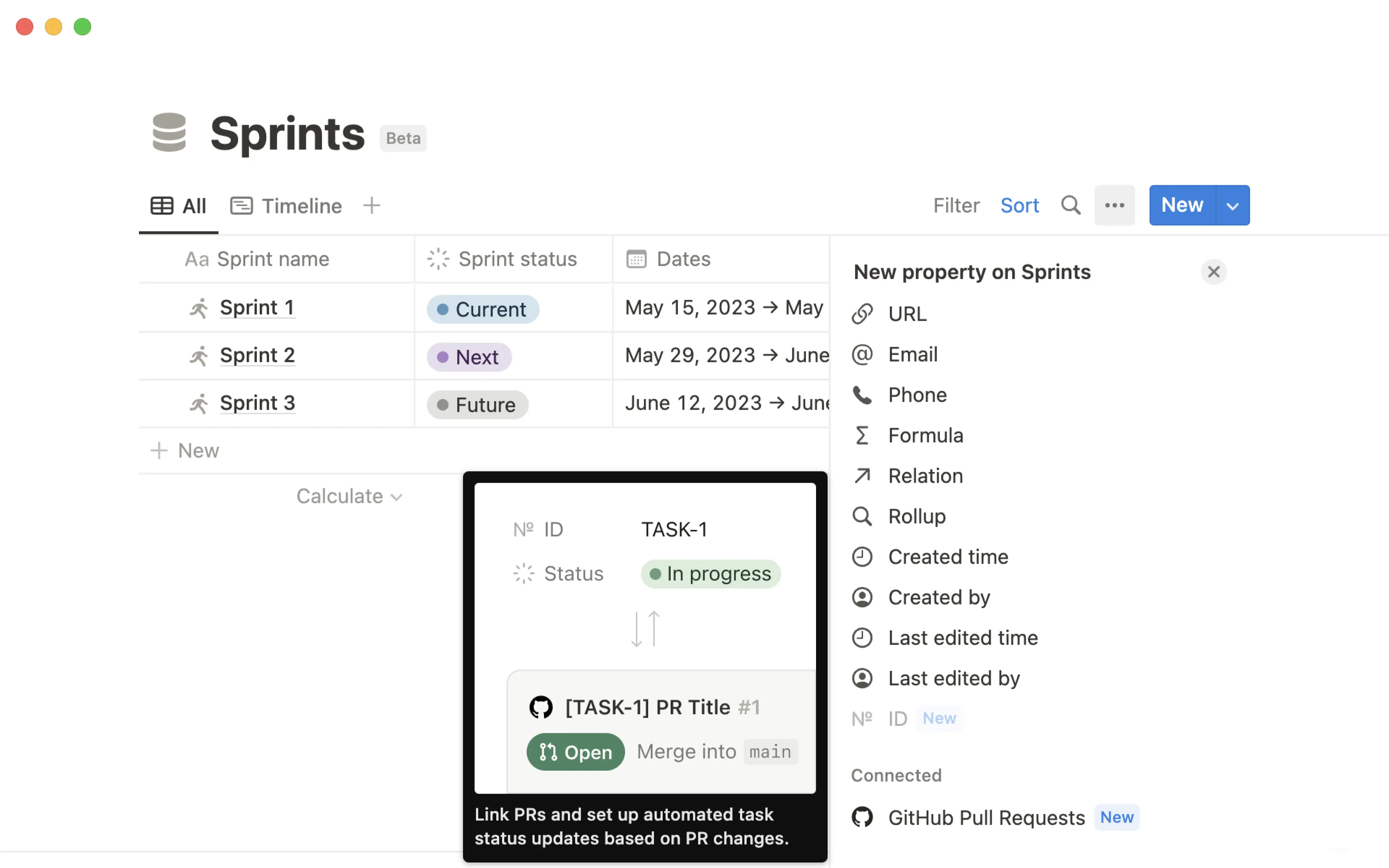
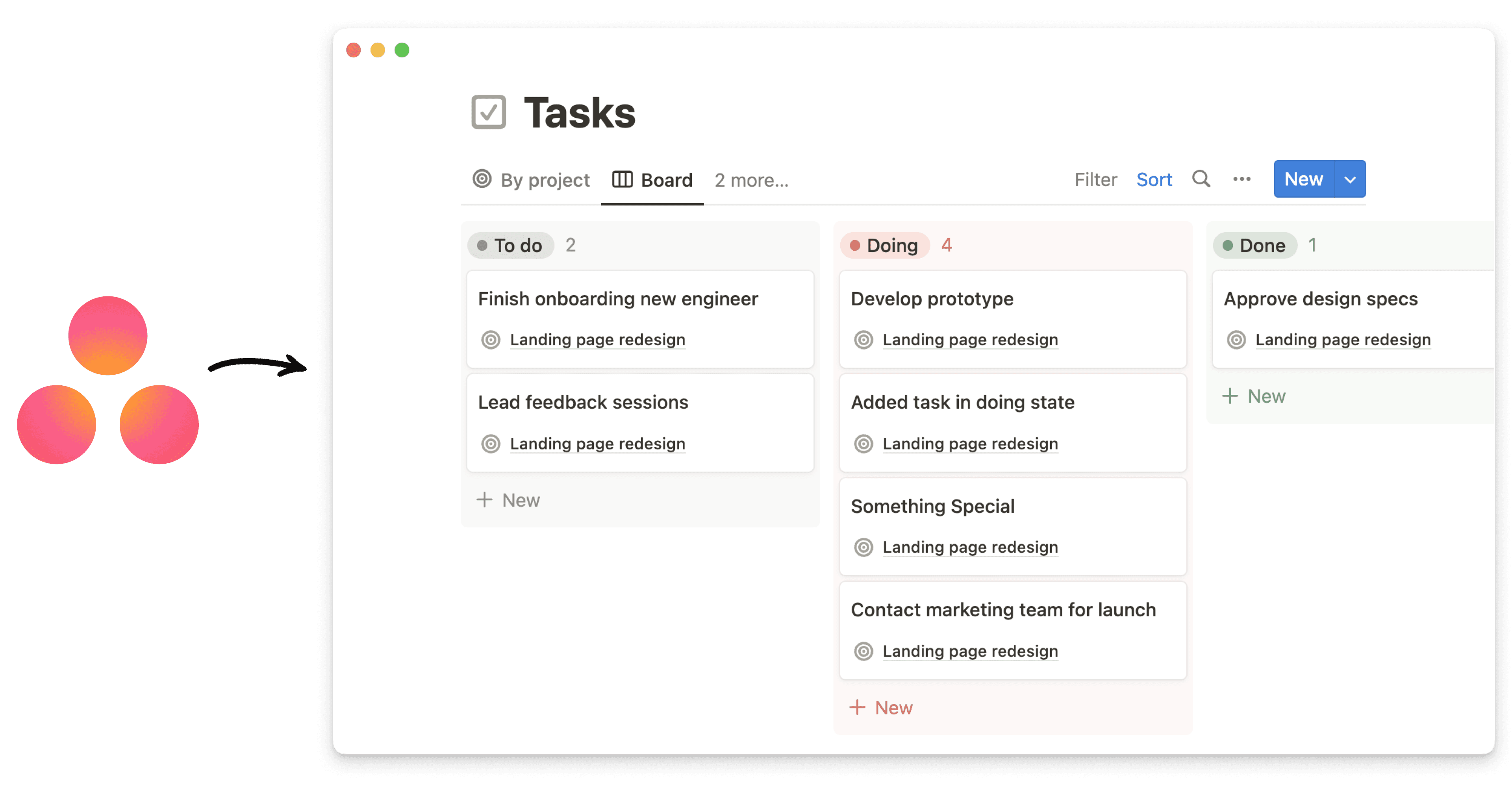
Notion 워크스페이스에서 바로 다른 툴의 최신 정보를 확인하세요. 이제 Jira, GitHub, Slack, Trello, Asana의 링크를 Notion에 붙여넣을 때 링크 실시간 미리보기로 전환할 수 있습니다. 텍스트 내 멘션이나 자체 블록으로 추가할 수 있어요. 곧 더 많은 툴에 이런 지원을 제공할 예정입니다. 이건 시작일 뿐이에요!

버그 수정 & 성능 개선

  • 새 API 기능과 개선 사항은 Notion 개발자 페이지에서 확인하세요 developers.notion.com/changelog →

  • 이제 대부분의 날짜와 시간이 상대 시간으로 표시되고(예: "2021년 11월 1일 오전 11:05:24" 대신 "10시간 전"이나 "어제"), 마우스 커서를 올리면 전체 날짜 및 시간을 보여줍니다.

  • 일부 Safari 사용자에게 페이지 제목, 섹션 제목들과 데이터베이스 속성들이 겹쳐 보이는 버그를 수정했습니다.

  • SVG 형식의 아이콘을 사용하는 페이지를 텍스트 내에서 멘션했을 때 이미지가 깨지던 버그를 수정했습니다.

  • Notion 댓글의 텍스트를 다른 곳에 붙여넣을 때 포맷팅이 사라지는 버그를 수정했습니다.

  • Gmail 및 기타 앱에서 이탤릭체를 복사해 Notion에 붙여넣을 때 포맷팅이 제대로 적용되지 않던 버그를 수정했습니다.

  • 타이핑할 때 ⋮⋮ 블록 핸들이 사라지지 않던 버그를 수정했습니다.

  • iOS 15에서 shift + return이 제대로 작동하지 않던 버그를 수정했습니다.

  • iOS에서 알림이 정확한 페이지로 이동하지 않던 버그를 수정했습니다.

  • iOS에서 이미지를 추가하거나 닫을 때 키보드가 나타나던 버그를 수정했습니다.

  • 일부 사용자가 CSV 가져오기를 실행했을 때 몇몇 행이 사라지던 버그를 수정했습니다.

Notion 2.13: 데이터베이스 그룹화 & 하위 그룹화 🍱

데이터베이스 그룹화 & 하위 그룹화

이제 할 일과 프로젝트들을 더 정교하게 시각화할 수 있습니다. 데이터베이스 보기에서 원하는 속성을 기준으로 항목들을 그룹화하고 체계적으로 정리하세요.

  • 타임라인, 표, 리스트, 갤러리 보기에서 그룹을 만드세요
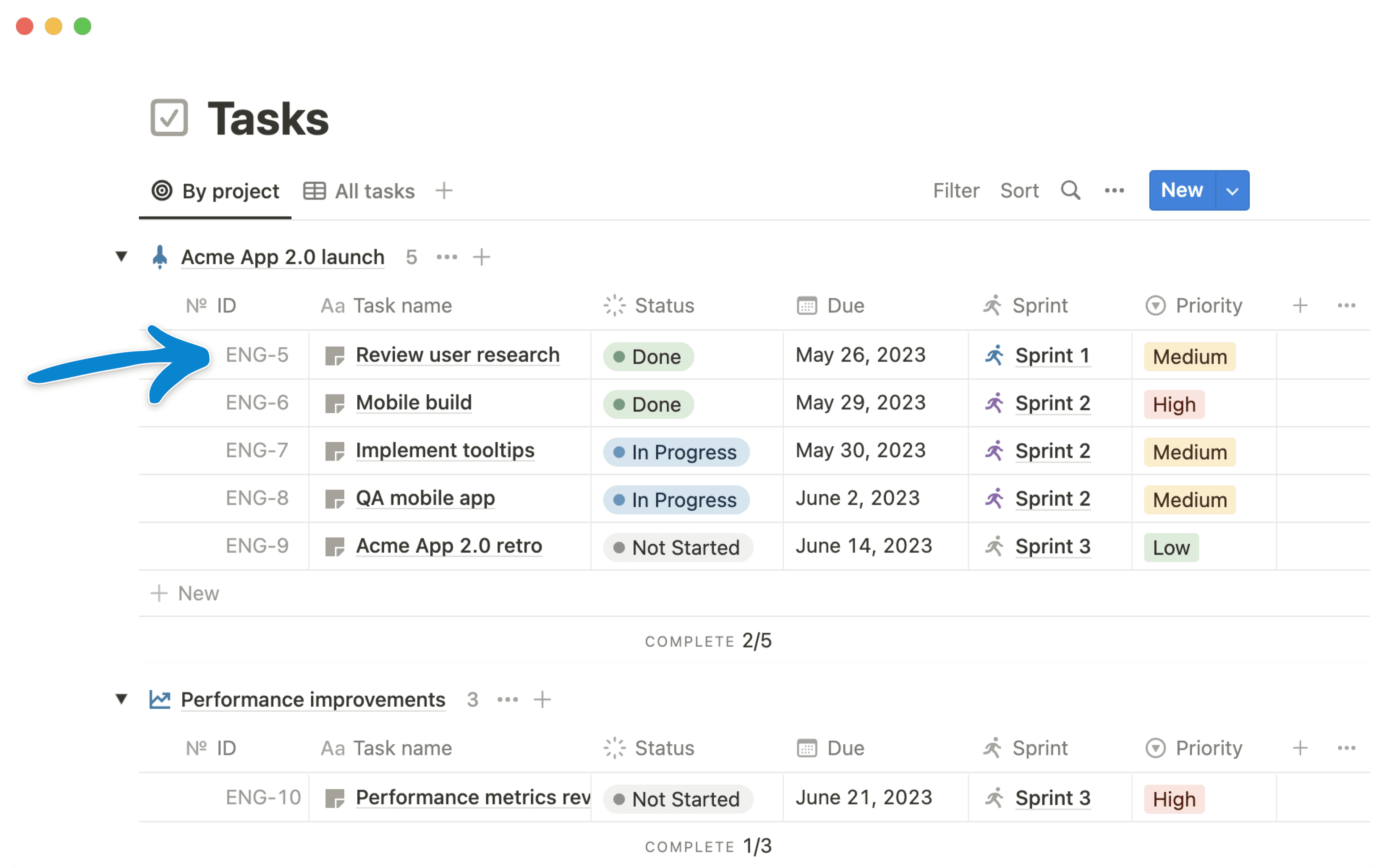
    수백, 수천 개의 항목이 있는 데이터베이스를 사용하고 계시나요? 새로운 그룹화 버튼을 클릭하고 나의 업무 방식에 맞춰 항목들을 시각적으로 정리해 보세요. 각 그룹 왼쪽의 토글 버튼으로 원하는 그룹을 쉽게 표시하거나 숨길 수 있습니다. '빈 그룹 숨기기' 토글로 빈 그룹을 숨길 수도 있어요.

  • 보드 보기에서 그룹과 하위 그룹을 만드세요
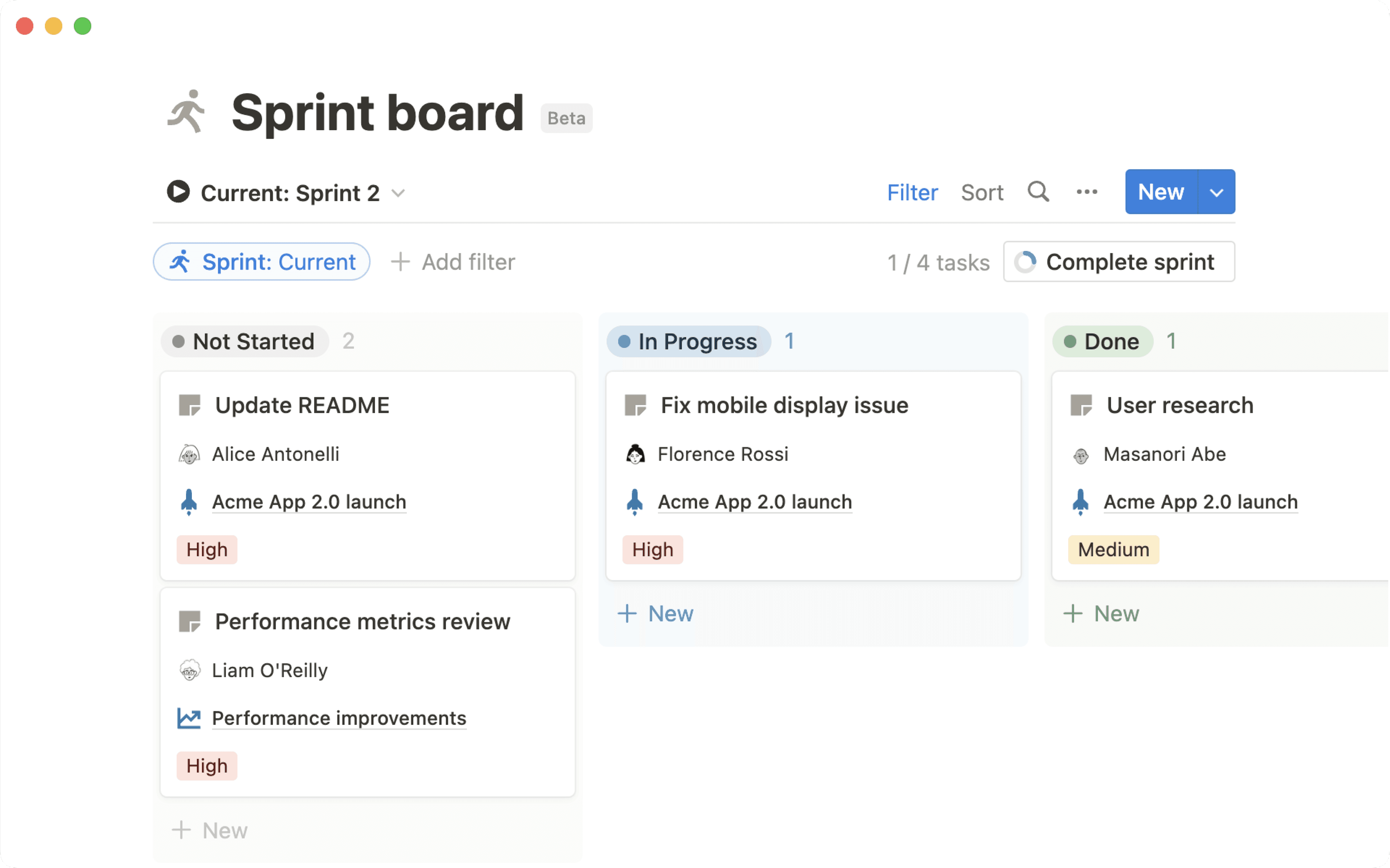
    이제 하위 그룹화를 사용해서 핵심적인 워크플로를 정리할 수 있습니다.

    보드 보기가 이미 '상태'라는 속성으로 그룹화되어 있어도(예: '시작 전', 진행 중', '완료' 등), 하위 그룹을 사용해 우선순위, 팀, 담당자 등 원하는 속성으로 다시 묶을 수 있습니다. '상태' 열의 그룹화는 계속 유지됩니다.

  • 관계형, 숫자, 날짜 등의 속성으로 그룹화하세요
    이전에는 선택, 다중 선택, 사람 속성으로만 항목을 그룹화할 수 있었습니다. 하지만 이제 텍스트, 숫자, 날짜, 체크박스, URL, 이메일, 전화번호, 수식, 관계형, 생성 일시, 생성자, 최종 편집 일시, 최종 편집자 등 거의 모든 속성을 기준으로 그룹화할 수 있어요.

모든 워크스페이스 멤버가 통합을 추가할 수 있습니다

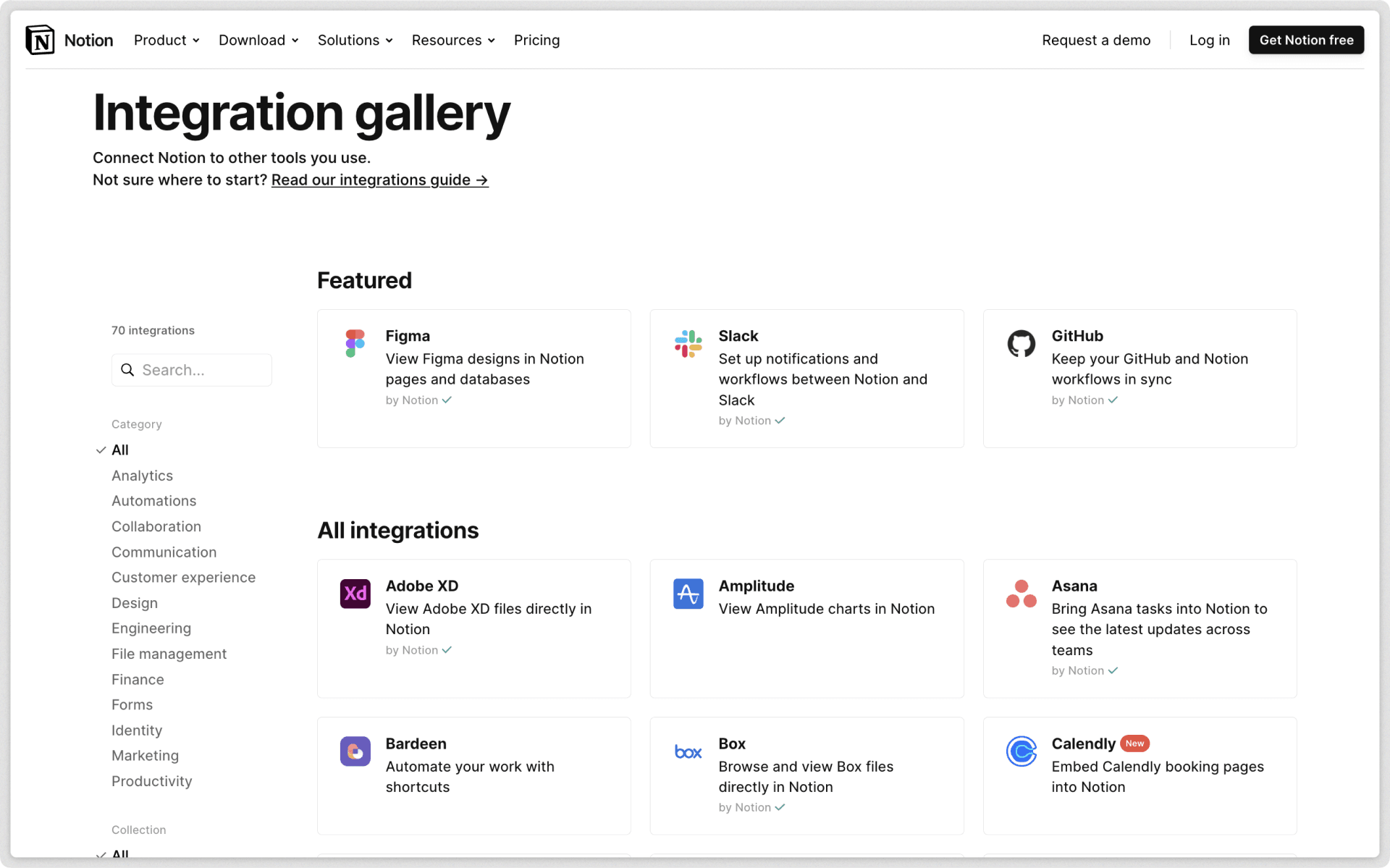
이전에는 관리자만이 API 통합을 워크스페이스에 추가할 수 있었죠. 이제 관리자멤버 모두 Automate.io, IFTTT, Typeform 등의 서비스를 사용한 통합을 추가할 수 있습니다.

관리자는 설정과 멤버통합에서 멤버들이 워크스페이스에 추가한 통합을 관리하거나 제거할 수 있습니다. 기업 요금제를 사용하는 고객은 보안과 신원 섹션에서 멤버들의 제3자 API 통합 설치 비활성화를 켤 수 있습니다.

색상과 보드 보기의 가독성이 높아졌습니다

이제 워크스페이스의 내용이 더 읽기 쉬워졌습니다! Notion에 쓰이는 색상을 더 선명하게 바꾸어 눈의 피로를 줄이고 접근성을 높였어요.

  • 데이터베이스의 보드 보기에 배경색이 추가되어 각 열을 시각적으로 구분할 수 있습니다. 그룹화 버튼을 누르고 '배경색'을 끌 수도 있어요.

  • 선택다중 선택 속성 색상의 명도 대비와 가독성을 높였습니다.

  • 텍스트 색배경색의 접근성을 높였습니다. 웹 콘텐츠 접근성 지침(WCAG)의 모든 대비 테스트를 통과했어요.

모바일 댓글을 개선했습니다

새 모바일 댓글 창에서 페이지의 모든 댓글을 한눈에 보고 답글을 남기세요. 화면 오른쪽 상단의 💬 버튼을 탭하면 페이지의 모든 댓글을 볼 수 있습니다.

버그 수정 & 성능 개선

  • 새 API 기능과 개선 사항은 Notion 개발자 페이지에서 확인하세요 developers.notion.com/changelog →

  • 일부 iOS 사용자에게 타이핑 이후 '편집 내용을 유지하는 데 문제가 있었습니다.'라는 에러가 나타나던 버그를 수정했습니다.

  • 일부 Android 사용자에게 '이런! 문제가 발생했습니다.'라는 에러 메시지가 나타나던 버그를 수정했습니다.

  • 일부 사용자에게 Mac 앱이 빈 화면으로 시작하던 버그를 수정했습니다.

Notion 일본어 버전 🇯🇵🎊

이제 Notion을 일본어로도 이용하실 수 있습니다

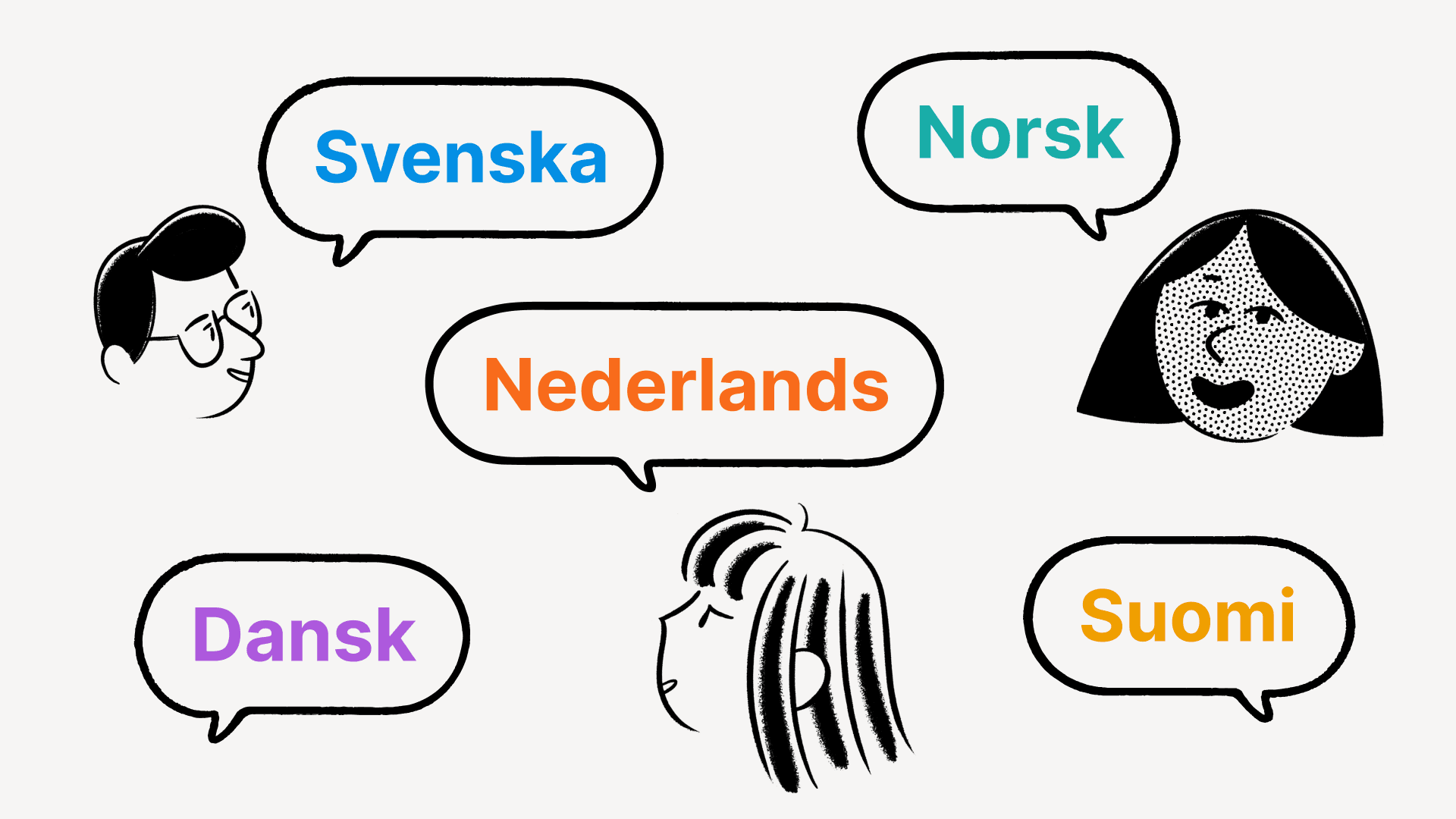
전 세계 모든 사용자가 Notion을 자연스럽고 직관적으로 이용하는데 한 발 더 가까워지게 되어 기쁩니다! 이제 웹에서 Notion 일본어 베타 버전을 이용할 수 있어요. 일본어 모바일 앱과 데스크톱 앱도 곧 출시됩니다.

  • 일본어 버전 왼쪽 사이드바 아래의 템플릿 버튼을 클릭하면 일본어 템플릿을 사용하실 수 있습니다.

  • notion.com/ja-jp/help에서 일본어로 번역된 가이드와 튜토리얼을 확인하실 수 있습니다.

  • 일본어 웹 앱이나 데스크톱 앱 오른쪽 아래에서 (?)을 클릭하면 고객지원 팀과 일본어로 소통하실 수 있습니다. 모바일에서는 사이드바 아래의 도움말과 피드백을 탭하세요.

Notion을 일본어로 설정하는 법은 다음과 같습니다.

  • 데스크톱: 설정과 멤버언어와 지역에서 일본어를 선택하세요.

  • 모바일: 시스템 설정에서 기기 언어를 일본어로 변경하면 Notion 앱도 일본어로 자동으로 변경됩니다

글머리 기호 목록을 개선했습니다

이제 글머리 기호 목록의 기호가 들여쓰기 수준에 따라 기본적으로 속이 찬 원, 속이 빈 원, 정사각형으로 돌아가며 매겨집니다.

데이터베이스의 속성을 클릭 한 번으로 모두 표시하거나 숨길 수 있습니다

속성이 많은 데이터베이스를 사용하시나요? 이제 데이터베이스 보기를 커스터마이징할 때 빠르게 모든 속성을 표시하거나 숨길 수 있습니다. 데이터베이스 상단의 속성 버튼을 클릭하고 보기에서 표시하고 싶은 속성을 선택하세요.

버그 수정 & 성능 개선

  • 새 API 기능과 개선 사항은 Notion 개발자 페이지에서 확인하세요 developers.notion.com/changelog →

  • 이제 템플릿 버튼 블록에서 @오늘, @지금, @나의 동적인 멘션이 지원됩니다. 템플릿을 복제하는 사용자나 일시에 따라 바뀌도록 할 수 있어요.

  • 이제 iOS와 Android 앱에서 이미지를 손가락으로 확대할 수 있습니다.

  • iPadOS에서 모바일 포맷팅 툴바가 사라지지 않는 버그를 수정했습니다.

  • 다른 블록을 포함하고 있는 인용 블록을 PDF로 내보낼 때 정상적으로 나타나지 않는 버그를 수정했습니다.

  • 템플릿으로 새 페이지를 만들 때 템플릿 안의 데이터베이스가 정상적으로 채워지지 않는 버그를 수정했습니다.

  • 데이터베이스 모든 항목이 몇몇 사용자에게 로드되지 않던 버그를 수정했습니다.

  • 아이콘이 있는 페이지의 커버 이미지를 몇몇 사용자가 바꿀 수 없던 버그를 수정했습니다.

  • Android 기기에서 Unsplash 이미지 미리보기가 정상적으로 보여지지 않던 버그를 수정했습니다.

  • 특정 페이지가 몇몇 유저에게 '이런! 문제가 발생했습니다.'라는 에러 메시지를 나타내는 버그를 수정했습니다.

Notion 2.12, now with better comments 💬

Better comments

Collaborate more effectively with your team through a completely redesigned comments experience in Notion. Here are the key ways it will improve the way you work together, whether you're giving feedback, suggesting revisions, or planning projects:

  • New comments sidebar
    See every comment on a page at a glance, and respond to any comment thread — all consolidated in your new right-hand sidebar.
    Use the Resolve button to archive any comments where no more action is required, or filter your sidebar to only view Resolved comments, so you can see a history of decisions made.

  • Attach images, GIFs, videos & files
    When you're commenting on someone's doc, giving feedback about your teammates' design, or asking a colleague for the correct PDF, plain text doesn't always get the job done.
    Now you and your teammates can add rich attachments to all your comments, including images, animated GIFs, full-length videos, and file attachments like DOCX files from Google Docs or Microsoft Word, PDFs & more.

  • Copy & share links to specific comments
    When folks are catching up on the status of a project or decision, it's helpful to point them to the exact thread where the discussion is taking place.
    To do this, click the ••• button that appears when you hover your cursor over a comment, then click Copy link. Then, paste the URL in a Slack message, email, text message, or however you want to share with your teammate.

Set a public home page for [yourdomain].notion.site

Hosting your company's careers page, investor pitch deck, or personal blog on a public Notion page? When someone asks for the link to your site, "acmedesign.notion.site/f7s8b0" doesn't exactly roll off the tongue, or fit on a business card. And before now, "acmedesign.notion.site" would have resulted in an error screen.

If you have a paid plan, you can now select a home page for your public site, so anyone who goes to .notion.site will be taken to whatever page you choose.

To do this:

  • Go to the page you'd like to set as the homepage for your public site, and ensure that Share to web is turned on in the Share menu

  • Go to Settings & membersSettings and scroll to the Public home page section to select your home page

  • Be sure to also select a custom domain name in the Domain section if you haven't done so already

Create Siri Shortcuts to your Notion pages

"Hey Siri, open my Notion dashboard." Now shortcuts like this are easy to create in the Shortcuts app on your iOS device. The next time you open your Shortcuts app, you'll find that Notion has been added as a compatible app. And if you usually open a Notion page on your device around the same time of day, it may appear in your Siri Suggestions as well.

P.S. You'll need to have opened the page on your device recently for it to appear in the Shortcuts app!

Find your Notion pages in Search on iPhone & iPad

First, swipe down in the middle of your iOS home screen. When you type the name of a Notion page, it will appear in the search results (as long as you've viewed that page on your device before).

Copy & paste multi-column layouts

This one has been a long time coming! Now when you click and drag to select blocks in a multi-column layout and copy to your clipboard, the column structure will stay intact when you paste it somewhere else in Notion.

API integrations

We're excited to welcome a few new partners to the Notion platform!

  • Unito: Their two-way integration saves you time and effort by pulling in key data and information from your other work tools (like HubSpot, GitHub & Jira), allowing you to collaborate and manage projects from within your primary workspace

  • Hightouch: Dynamically power your Notion databases with up-to-date data from your data warehouses, including MySQL, PostgreSQL, Snowflake & more

  • Marker.io: Collect bug reports with screenshots, annotations & technical meta-data, directly into your Notion databases

We completely rebuilt our Help Center from the ground up, so you have easy access to all these resources in one place:

  • Read through bite-sized tutorials designed for folks who are new to Notion

  • Learn about Notion's more advanced features so you can build powerful workflows

  • Troubleshoot issues with your account, apps & billing

Bug fixes & improvements

  • For new API features & improvements, go to developers.notion.com/changelog →

  • Page mentions (e.g. Careers at Notion) have a new streamlined design

  • You can now include the dynamic mention @me within database templates

  • Pages with large images now load faster on mobile

  • Hitting Return / Enter to select a Select property value in the last line of a Table view no longer creates a new row

  • Fixed a bug that prevented SAML logins from working correctly on iOS

  • Fixed a bug that caused the formatting menu to appear while typing Chinese, Japanese, and Korean characters

Acquiring Automate.io

Exciting news! We're acquiring Automate.io!

This will accelerate our ability to build high quality integrations for teams & businesses, as well as more features for developers building on the Notion API.

Dynamic @today & @now mentions in database templates

When you're taking notes, typing @today or @now lets you quickly record the current day's date. They automatically resolve to display the month, day, and year as time passes, but they didn't work within database templates — until now.

When you type @today or @now while editing a database template, you'll see two options: one to record today's date, and a new option, Date when duplicated, which creates a dynamic date mention each time the template is used in the future.

New emojis & page icons 🐈‍⬛

We've heard it many times: there's something especially therapeutic about selecting the perfect emoji for your Notion pages. Plus, they make your content much easier to find later!

Now there are dozens of new emojis to choose from — add them as page icons at the top of your docs and databases, or type them inline in any paragraph with the : key, followed by the name of the emoji.

Find the full lists of new emojis here: 12.0, 12.1, 13.0, 13.1

Copy database properties to your clipboard in one click

Before, it took several clicks to take the information from a database property and copy it to your clipboard for pasting elsewhere.

Now you'll find convenient **Copy to Clipboard** buttons next to Text, Number, URL, Phone, Email, Created time, and Last edited time properties, making for a much faster workflow.

Better URL properties in databases

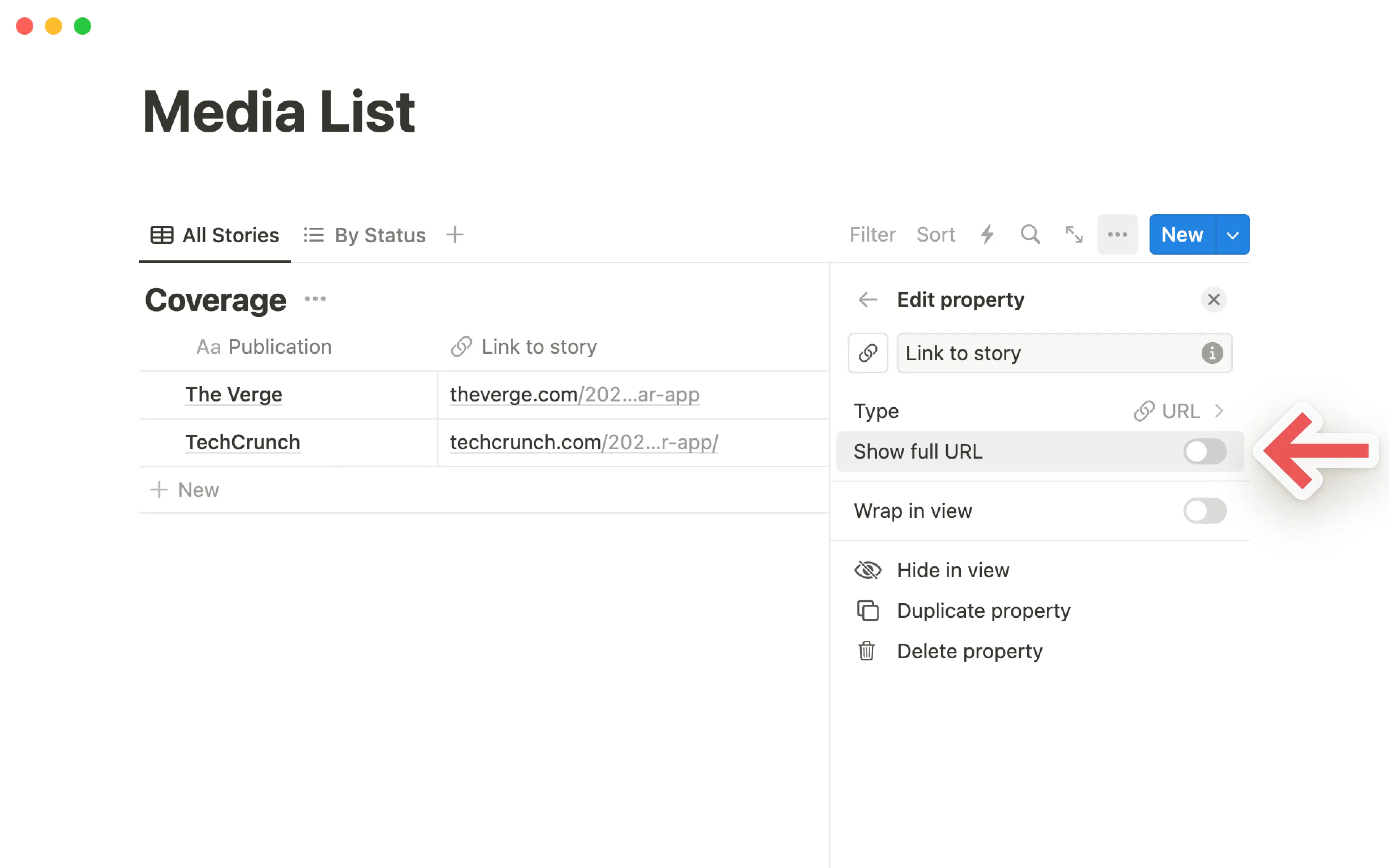
URL properties in your databases are now easier to use. Clicking the URL opens that page in your web browser, rather than selecting the property for editing. And there's a new Edit URL button that appears when you hover over the property with your cursor.

Recently visited pages sync across devices

When you first open the Quick Find window, the first thing you'll see is a list of your RECENT PAGES. Now these sync across all your browsers & devices!

For example, if you're working on a page in the desktop app, it'll appear at the top of your RECENT PAGES section the next time you access your workspace in the mobile app.

Better quote blocks

Recently, we added the ability to include rich content within callout blocks. Now you can do the same with quote blocks!

To do this, grab a piece of content (such as images, bullets, databases & more) by the ⋮⋮ block handle to its left, then drag inside the quote block.

Bug fixes & improvements

  • Pages load faster on Android 📈

  • Text blocks containing @mentions of dates and people now automatically populate Date and Person properties when moved to a database

  • Now it's much easier to download, copy & share images from iOS while you're on the go — just double tap an image to open in full screen mode, then tap and hold

  • On iOS, you can now close your mobile keyboard by swiping it down

  • Admins in Enterprise Plan workspaces can now generate a SCIM API token in the Security & identity section of Settings & Members

  • Fixed a bug that caused page icons to appear incorrectly on Android & Windows devices

  • Fixed a bug that caused database filters to break after renaming Select & Multi-select property values

  • Fixed a bug that caused the "Start week on Monday" setting to appear in the My account section of Settings & members in addition to the Language & region section

  • Fixed a bug that prevented Gallery & Board card previews from displaying nested lists correctly within synced blocks, callout blocks, and quote blocks

Tactiq integration

New API integration with Tactiq

Tactiq's Chrome extension automatically transcribes your verbal conversations from Google Meet into written notes that you can search and reference later — and now you can quickly add those transcriptions to your meeting notes in Notion with their new integration.

Bug fixes & improvements

  • Fixed a bug that prevented links in Board view databases from opening in a new browser tab

  • Fixed a bug that prevented the mobile keyboard from being dismissable while editing a page title in the iOS app

  • Fixed a bug that prevented new pages from being created when dragging images & files into a Gallery view database

  • Fixed a bug that caused some topbar action buttons such as Share to be hidden for some users

SOC 2 compliance 🔒

SOC 2 Type 2 certification

We're now SOC 2 compliant, enabling more large teams to move their work onto Notion!

Now you can read a full report about how we limit access to data, implement authentication controls, manage incident response, and conduct employee security awareness training and background checks.

If you're a Notion Enterprise customer, reach out to your Account Executive or Customer Success Manager to see our full SOC 2 Type 2 report. If you're thinking about using Notion at your company, contact sales here and we'll send you a copy.

Bug Fixes & improvements

  • Buttons across the Notion interface can now be highlighted with the tab key, and selected with the return/enter key

  • When transforming a block to a toggle, the toggle now opens automatically after the change

  • Fixed a bug that caused the action bar to be missing on mobile devices for some users

  • Fixed a bug that prevented numbered lists from displaying correctly in PDF exports

  • Fixed a bug that caused backlinks & link to page blocks on public notion.site pages to redirect to a login screen when clicked

  • Fixed a bug that caused OS-level updates to uninstall the Notion Windows app

Notion for non-profits ❤️

We believe that non-profits should have equitable access to the tools they need to scale their impact. To help non-profits solve the world's toughest challenges, we're offering 50% off Team Plans for all U.S.-based 501(c)(3) organizations.

Later this year, we plan to expand this program internationally as well! Apply at notion.com/nonprofits.

Improved Calendar view on iPad & Android tablets

Now you can see detailed information about each of your pages while using Calendar view on your iPad or Android tablet, without having to tap on each individual day. Plus, you can drag & drop items from one day to another — just like desktop!

Better Callout blocks

Before, you could only include plain text inside your Callout blocks. Now you can include any type of rich content you like: bullets, numbered lists, toggles, images... you can even nest a Callout block within a Callout block 🤯

To do this, grab a piece of content by the ⋮⋮ block handle to its left, then drag inside the Callout block!

Better access management for your API integrations

Now you have even more control over what content is shared with an integration. And the process of adding an integration to your Notion workspace is much smoother now!

  • You can pick specific pages to grant access to with the new search field — you're no longer limited to the top-level pages in your workspace

  • The page picker will remember which pages you already granted access to, so you don't have to re-select them each time you want to adjust the integration's permissions

More inclusive Name field

Not every culture has last names/family names/surnames. So we revised the Name setting to use a single, unified field instead of two — this enables names of any structure when you're tagged by teammates in comments, pages, and "Person" properties in databases.

To customize how your name is displayed in your workspace, go to the My account section of Settings & members, under "Personal info."

New API integrations with Neeva & n8n

  • Neeva: Neeva is the world’s first ads-free, private subscription search engine for the public web — they make it easy to search within personal email accounts, calendars, applications, and cloud storage platforms by surfacing the most important information to you from the same familiar search box. Now you can connect your personal Notion to Neeva and search through your pages and databases. Once you log into Neeva, head to Apps to connect your account.

  • n8n: n8n is an extendable workflow automation tool that enables you to connect anything to everything via its open, fair-code model. Create advanced workflows between your Notion workspace and 200+ apps like Calendly, Discord, Telegram & more.

Write & run code in Notion with the Replit embed

Replit's instant IDE (integrated development environment) allows you to write and execute code right inside your browser, without the mess of ZIP files and headache of setup. Now you can embed a repl in any of your Notion pages!

Just type the slash command /repl to get started.

Bug Fixes & improvements

  • Over 30 currencies are now supported for Number property formatting in databases, and your most recently selected currency is highlighted at the top of the Number formatting list

  • Numbered lists can now start with numbers besides 1

  • Notion now remembers your most recently visited page when switching between workspaces

  • Fixed a bug that prevented proper handling of Chinese, Japanese & Korean fonts in PDF exports

  • Fixed a bug that prevented the /page slash command from working properly in Korean

  • Fixed a bug that prevented the open/close sidebar shortcut from working on Japanese keyboards — this shortcut can now be used with Ctrl / cmd + ¥

  • Fixed a bug that prevented the "presence" avatars at the top right from updating while navigating to a new page

  • Fixed a bug that caused public pages to redirect to the wrong login destination when attempting to duplicate the page as a template

Better mobile apps & public pages 🌐

Brand new formatting toolbar on iOS & Android

Your Notion mobile app just got a big upgrade! The formatting toolbar above your keyboard is completely redesigned from the ground up.

Now it's much easier to add & edit content on mobile — the toolbar intelligently recommends formatting options depending on the content you're working with. Changing the text & highlight color, notifying your teammates in a comment, indenting bullet points... it all feels faster and more natural in the new formatting toolbar.

Public pages are now hosted at [yourdomain].notion.site

You've always been able to turn any Notion page into a quick & easy website in just a couple clicks. Now the links you share with colleagues, customers and friends will include your personal branding right at the front!

  • Before, links to your public pages looked like this: notion.so/acmedesign/xxxxx12345

  • Now, links to your public pages will look like this: acmedesign.notion.site/xxxxx12345

To set the domain for your public links, just go to Settings & Members → Settings → Domain (you'll need to be on desktop, and an admin in your workspace).

Better numbered lists

Now all the numbered lists across your Notion workspace will default to alternating between numbers, letters, and Roman numerals at each level of indentation

Better quote blocks

To help maintain visual consistency across your pages, quote blocks now default to the same size as regular text. The large quote size is still available too. Just select your preference by clicking the ⋮⋮ block handle to the left of a quote block, and navigate to the new Quote size menu. Then all your future quotes will use that size.

New API integration with Back

We're excited to welcome a new partner to the API platform, Back. They help companies provide a seamless employee experience by making support and information readily available.

With this integration, teams like HR and IT always have the right Notion page on hand when responding to employee requests. Back’s bots for Slack, MS Teams, and Google Chat can also use your policies and how-tos to automatically answer FAQs, such as “What’s our expense policy?” or “How do I request time off?”

Bug Fixes & improvements

  • We now have hand-picked sans and serif typefaces for Chinese (Simplified & Traditional), Japanese & Korean in the ••• menu at the top-right corner of your pages

  • Syntax highlighting for Julia is now supported in code blocks

  • Fixed a bug that prevented Korean dates from being added as date @mentions

  • Fixed a bug that prevented Notion from navigating to the most recently visited page when switching between workspaces

  • Fixed a bug that caused the Count unique values button to show incorrect results for relation properties

Powered by Fruition