Notion 2.14:シンプルテーブル 🏓

シンプルテーブル

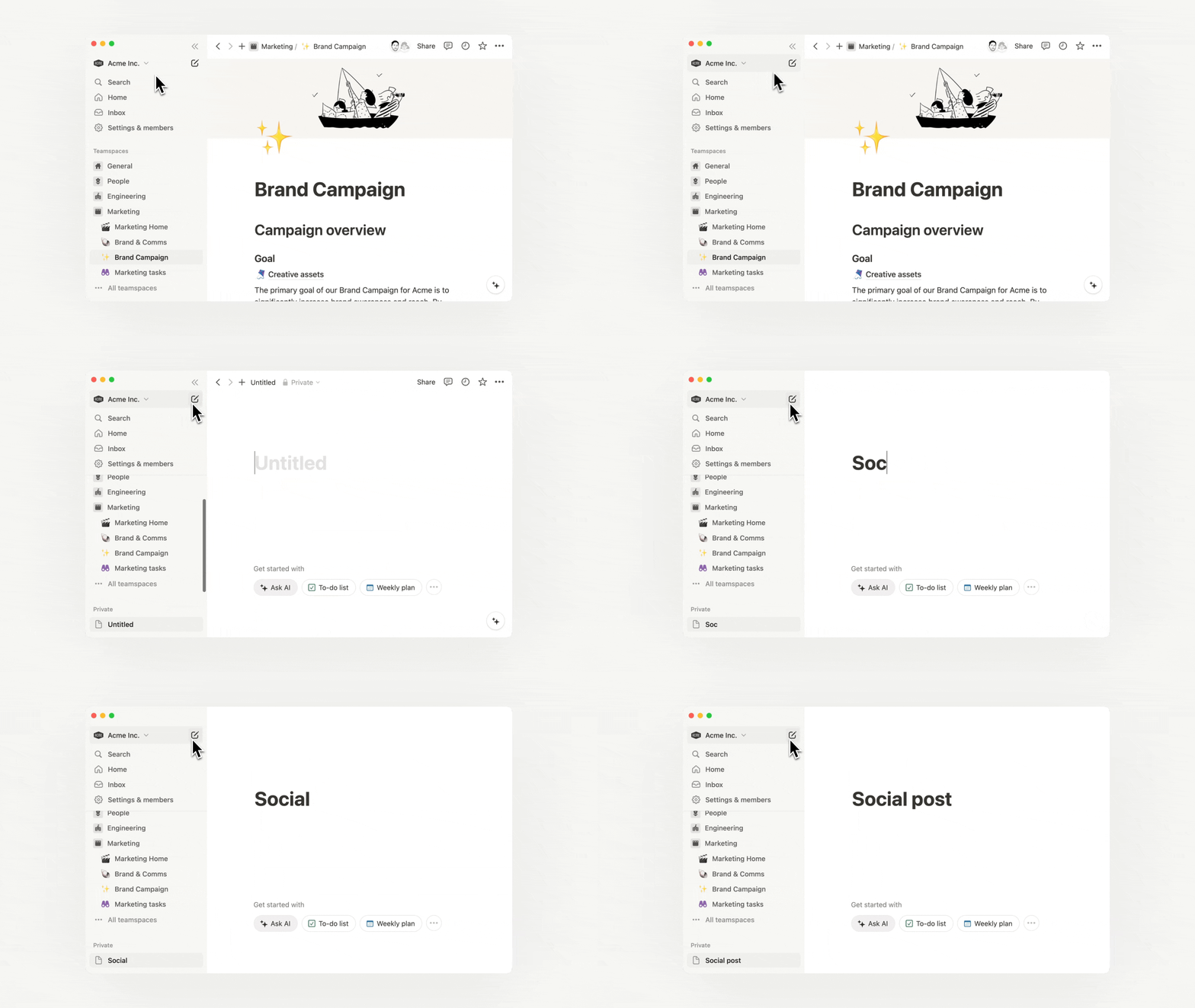
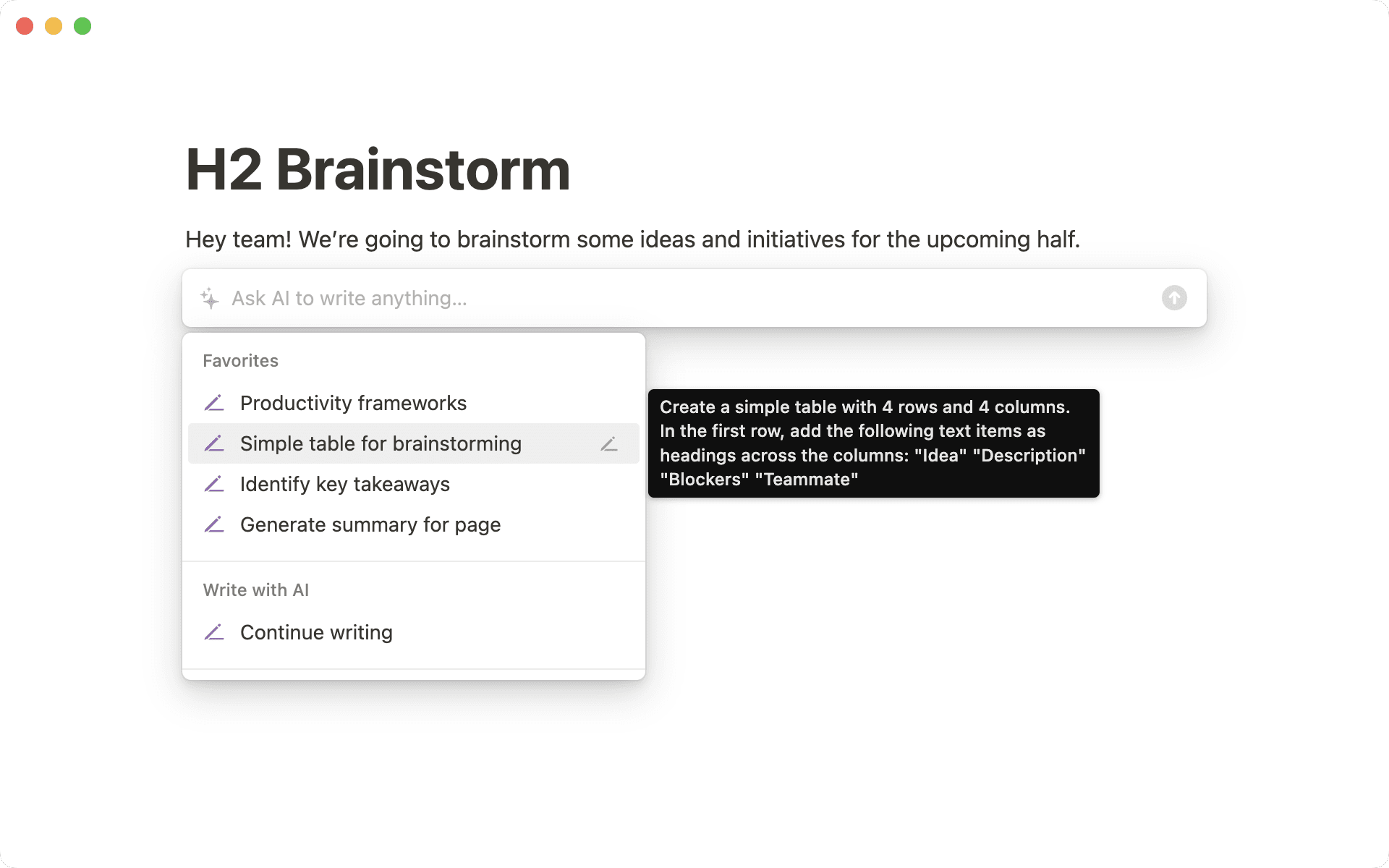
シンプルテーブルは /table で簡単に作成できます。右下の角をドラッグすればお好きなだけ行や列を追加でき、また オプション から行見出しや列見出しをオンにすることも可能です。

シンプルテーブルのベストプラクティスはこちらのガイドをご参照ください。

コメント機能の改善

ステークホルダーへのフィードバック依頼、四半期目標のブレインストーミング、プロジェクト推進の議事メモや資料などに、より見やすく、確認しやすくなったNotionのコメント機能をご活用ください。

テンプレートギャラリー

Notionのワークスペースは無限の可能性を秘めています。このたび大幅に刷新されたテンプレートギャラリーでは、NotionのグローバルコミュニティがどのようにNotionを活用しているかをご覧いただけます。最高のダッシュボードやワークフローなど、世界中のNotionユーザーにより作り上げられた作品をブラウズし、気に入ったテンプレートはご自身のワークスペースに複製してご自由に作り変えてお使いいただけます。

バグ改修と改善

  • API関連の新機能や改善についてはこちら developers.notion.com/changelog →

  • スラッシュコマンドのドロップダウンメニューの表示制度が向上しました。 (例: /table と入力するとメニューが4つだけ表示されます。従来であれば20以上のオプションが表示されていました。)

  • Mac版アプリで閉じる・最小化・フルスクリーンの各ボタンが正しく表示されなくなる不具合を解消しました。

  • 一部のユーザーでMac版アプリがブランクスクリーンで起動される不具合を解消しました。

  • 一部のユーザーでシングルサインオン時に読み込み中の状態から画面が変化しなくなる不具合を解消しました。

リンクプレビュー 🔗

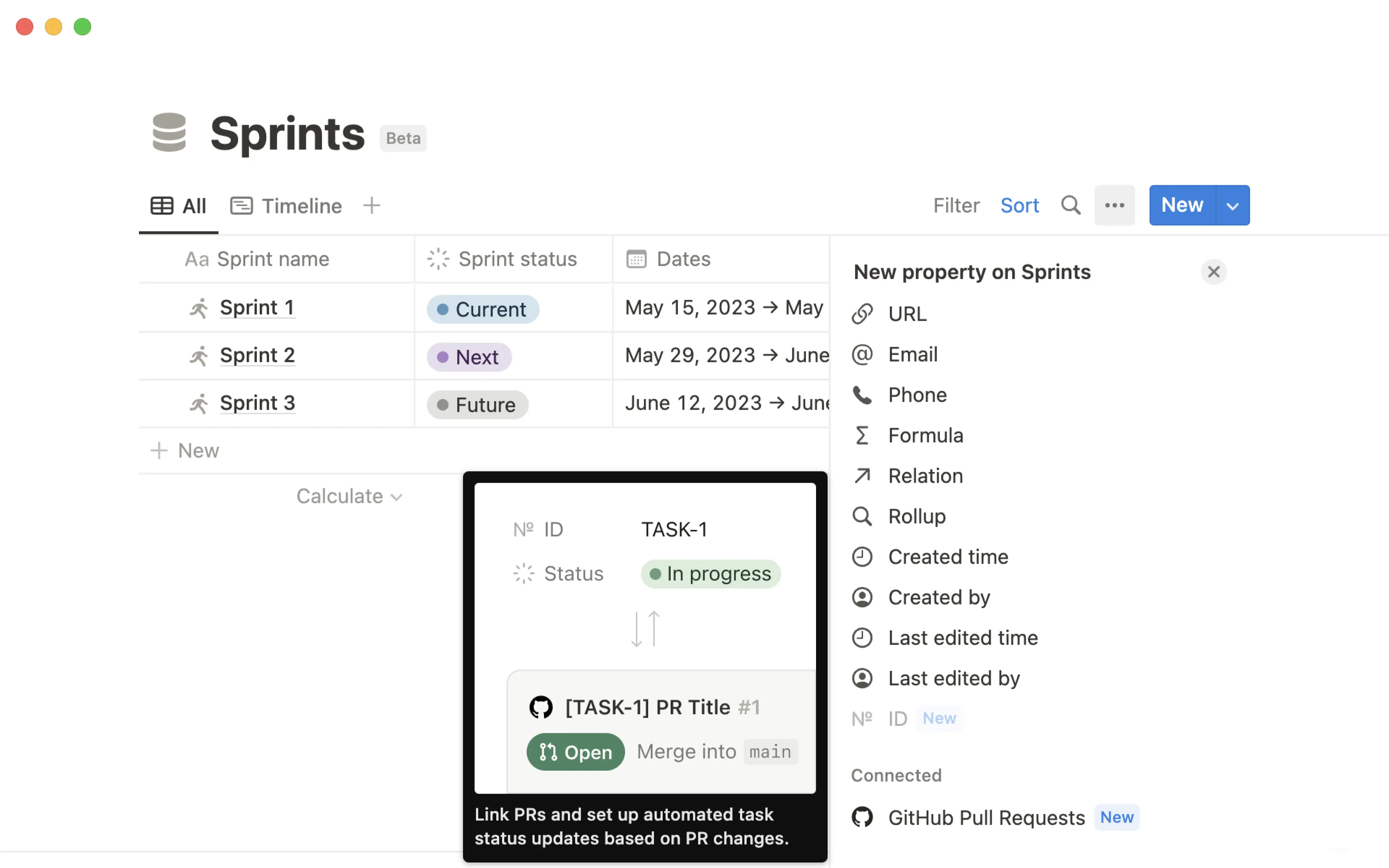
GitHubのプルリクエスト、Slackメッセージ、Jiraの課題など、他ツールの動的なプレビューが利用可能に

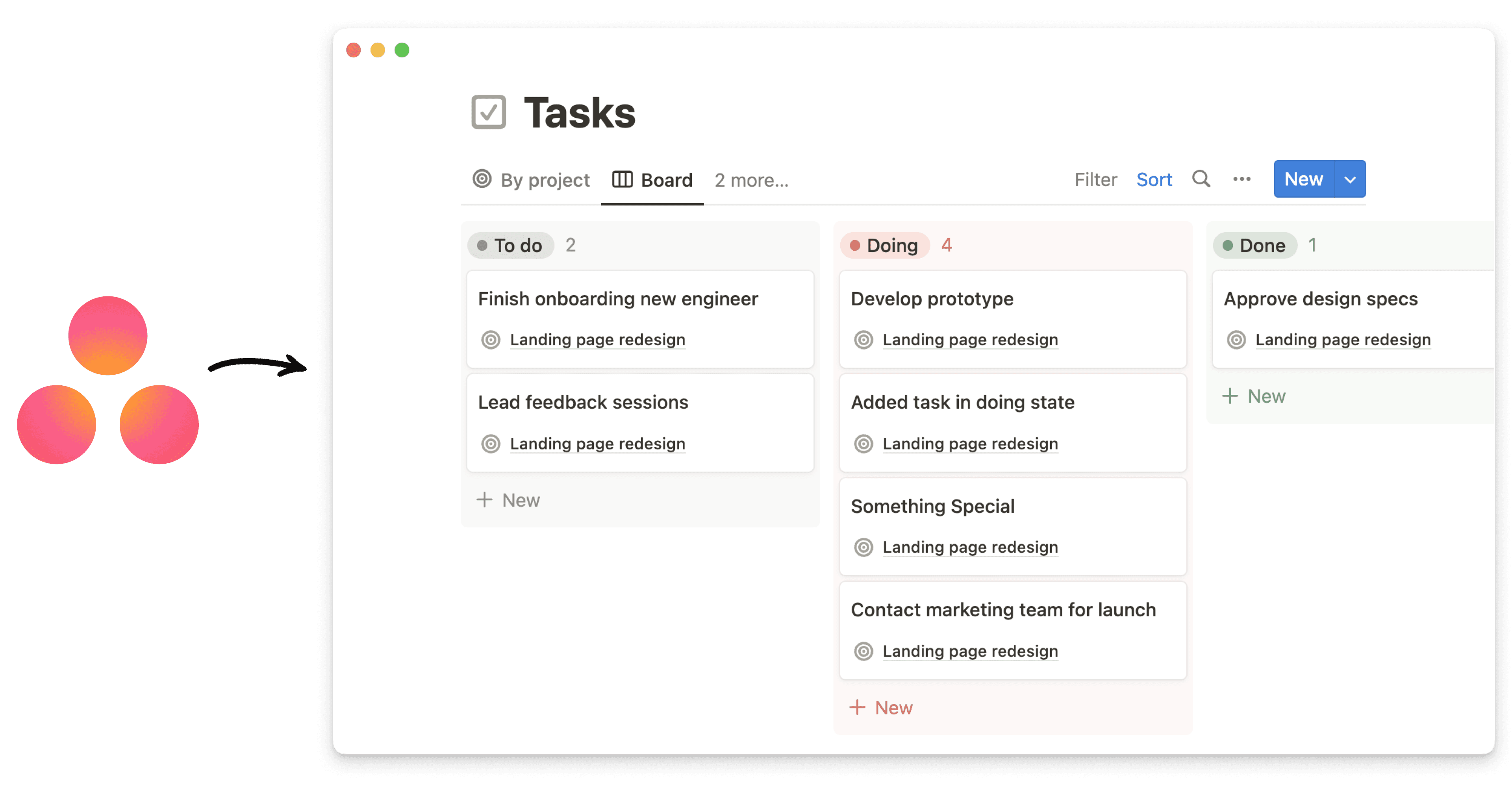
ワークスペース内で、ほかのツールの最新情報を閲覧できるようになりました。JiraGitHubSlackTrelloAsanaのリンクをNotion内にペーストすると、インラインメンションまたはフルブロックで、動的なプレビューを作成することができます。その他のツールも続々対応予定ですので、ご期待ください!

バグ改修と改善

  • API関連の新機能や改善についてはこちら developers.notion.com/changelog →

  • ほとんどのタイムスタンプが相対的時間の表示に統一され、カーソルのホバーでフル表記の閲覧ができるようになりました。(例:「2021年11月1日 11:05:24 AM」の代わりに「10時間前」と表示)

  • 一部のSafariユーザーにてページタイトル、見出し、およびデータベースのプロパティが重複して表示される不具合を改修しました。

  • SVGアイコンが付いたページのインラインメンションが破損した画像として表示される不具合を改修しました。

  • 書式を適用したNotionのコメントがプレーンテキストとしてペーストされる不具合を改修しました。

  • Gmailなどの他のアプリからイタリックの文字列をコピーした際、誤った書式でペーストされる不具合を改修しました。

  • 入力中にブロックハンドル「⋮⋮」がフェードアウトしない不具合を改修しました。

  • iOS 15で shift + enter が機能しない不具合を改修しました。

  • iOSで通知から正しいページが開かれないことがある不具合を改修しました。

  • iOSで画像を追加または閉じる際にキーボードが表示される不具合を改修しました。

  • 一部のユーザーにてCSVインポートされたデータが欠損する不具合を改修しました。

Notion 2.13:データベースのグループ化・サブグループ化 🍱

データベースのグループ化・サブグループ化

タスクやプロジェクトを、更に精緻に可視化できるようになりました。データベースの任意のプロパティに基づきアイテムをグループ化し、最高の情報整理を実現いただけます。

  • タイムライン、テーブル、ギャラリー各ビューをグループ化
    たくさんの項目があるデータベースビューを使用しているなら、新しいグループ化機能がお勧めです。 グループ ボタンをクリックすると、ワークフローに適したプロパティでコンテンツを視覚的に整理することができます。
    各グループの左側にはトグルがあり、見たいグループの表示・非表示をすばやく切り替えられます。空のグループがあっても、設定メニューの「空のグループを非表示」で表示しないようにできます。

  • ボードビューをサブグループ化
    サブグループの設定により、さらに情報が精緻に整理できるようになります。
    ボードが既にステータスプロパティ(例えば、「未着手」、「進行中」、「完了」)によってカラムにグループ化されていた場合、優先度やチーム、担当者など、特定のプロパティでタスクをさらにサブグループとして整理できます。ステータスのカラム分けには影響しません。

  • リレーションや数字、日付などでのグループ化
    以前は、セレクト、マルチセレクト、人物の3種類のプロパティに基づいてのみアイテムをグループ化することができましたが、この度の更新により、テキスト、数値、日付、チェックボックス、URL、電子メール、電話、数式、関係、作成日時、作成者、最終編集日次、最終編集者など、ほぼすべてのプロパティ種別でのグループ化が可能になりました。

メンバーなら誰でもインテグレーションの追加が可能に

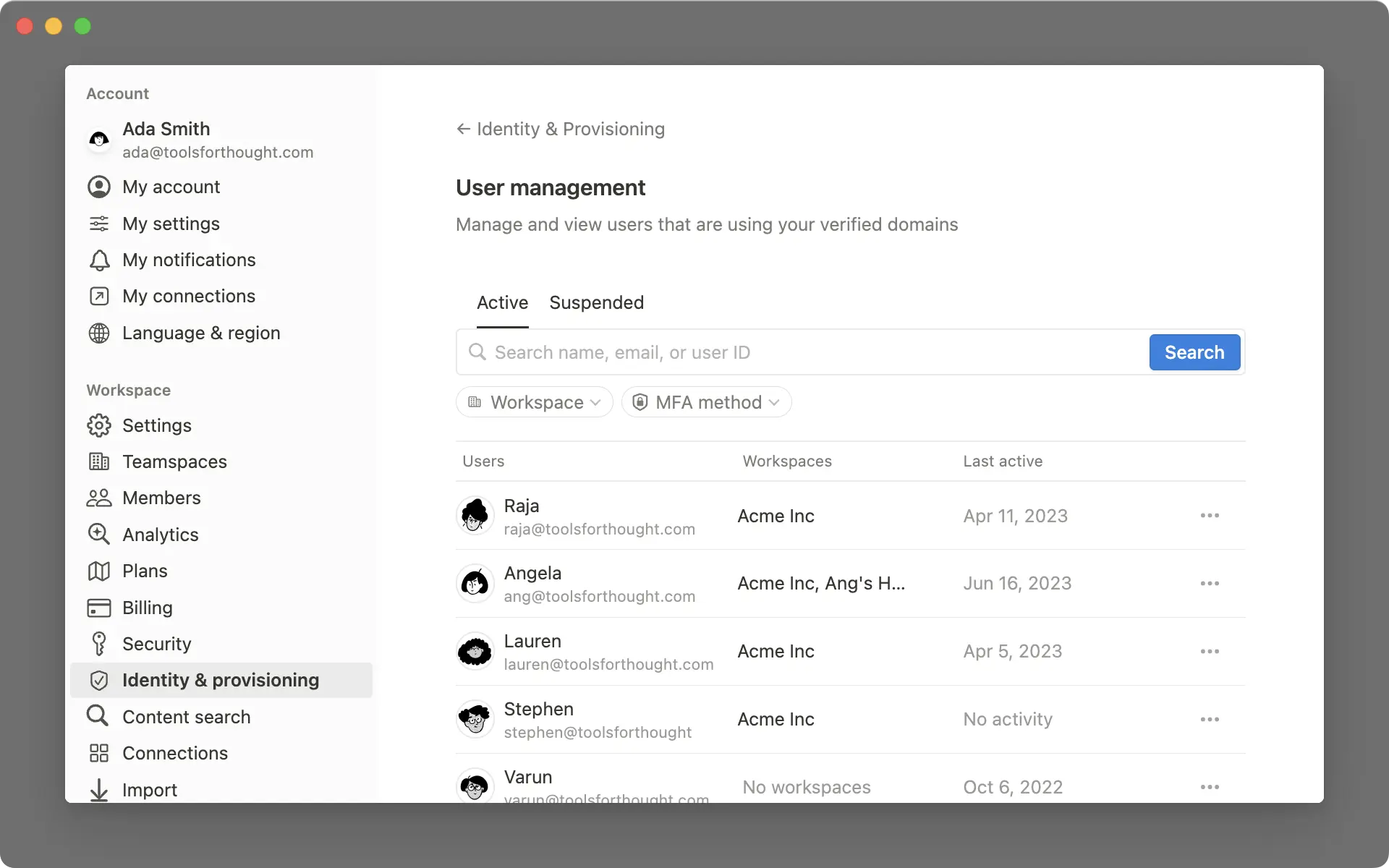
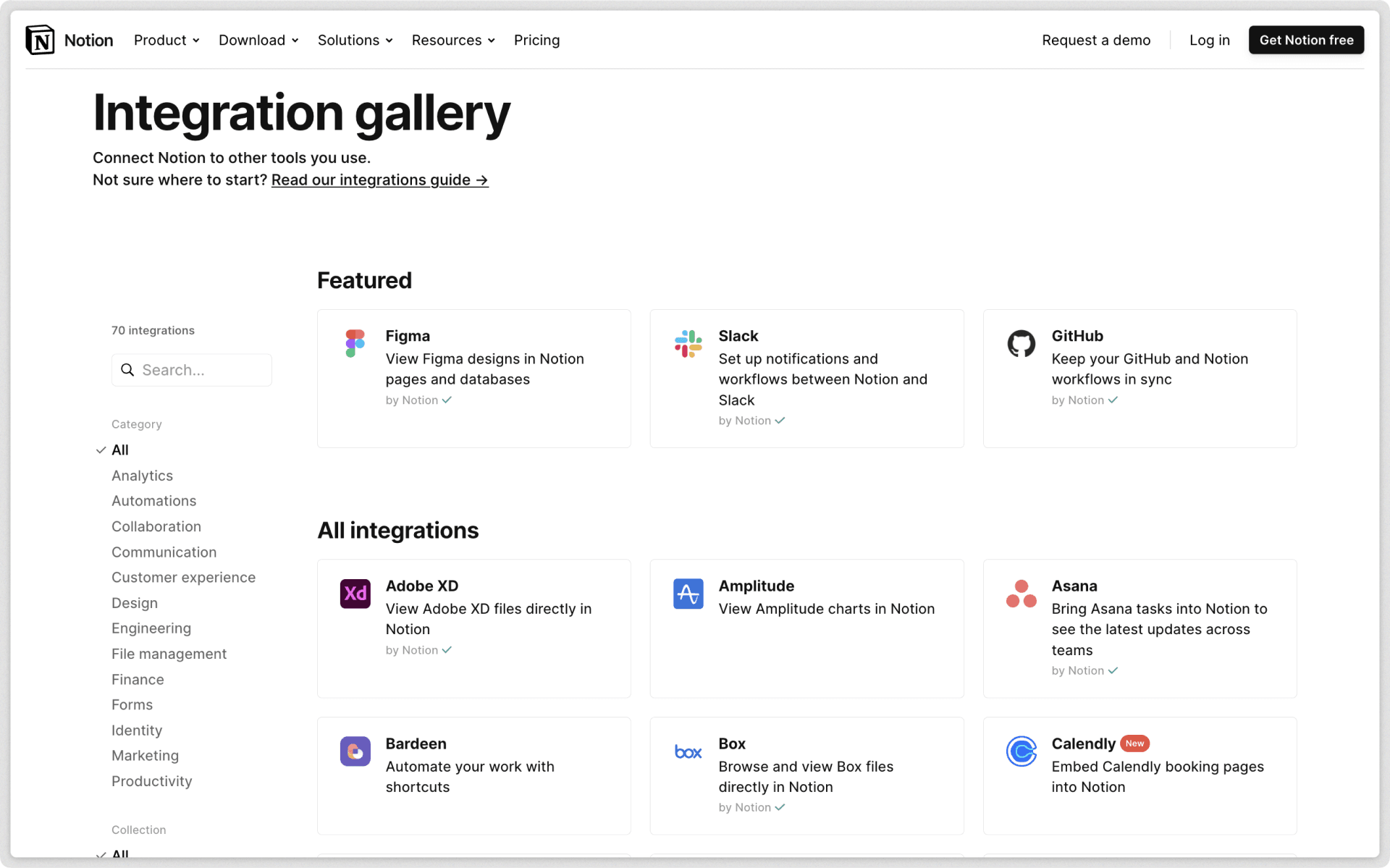
これまではワークスペースの管理者のみがAPIインテグレーションを追加することが可能でしたが、このたびメンバーの方々も同様に Automate.ioIFTTTTypeform などのサービスのインテグレーション追加ができるようになりました。

メンバーによりワークスペースに追加されたインテグレーションの管理・削除は、設定 インテグレーション より実施いただけます。エンタープライズプランの場合は、セキュリティと認証 メニューで新たにメンバーによるサードパーティーのインテグレーションの追加を許可しないための設定項目がご利用いただけるようになります。

より見やすい色設計とボードビュー

ワークペースの見やすさが改善されました!新しい色設計は目に優しく、アクセシビリティも向上しています。

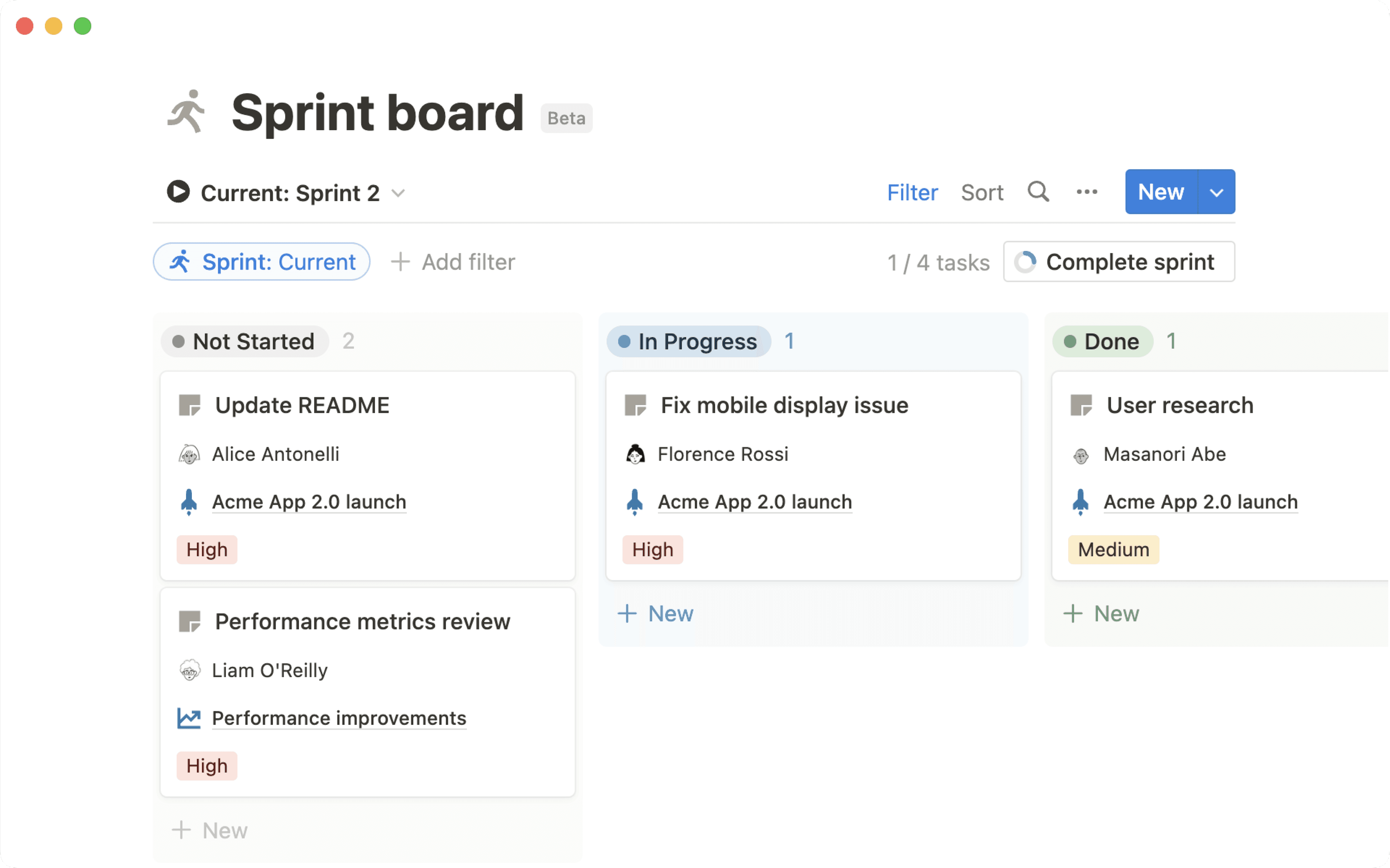
  • データベースのボードビューで、列ごとに背景色を付けられるようになりました。背景色は グループ ボタンから「列の背景色」でオン・オフを切り替えられます。

  • セレクトおよびマルチセレクトプロパティでは、コントラストと視認性の向上のために文字色も併せて変更されるようになりました。

  • 文字色背景色も同様に、より見やすい色設計になりました。これらはウェブコンテンツのアクセシビリティガイドラインで定められた基準をクリアしています。

モバイルのコメント機能を改善

モバイルの新しいコメントビューを使えば、すべてのコメントを一か所で確認し、返信もその場でできます。画面右上の 💬 ボタンをクリックすると、そのページのコメントをまとめて確認できます。

バグ改修と改善

  • API関連の新機能や改善についてはこちら developers.notion.com/changelog →

  • 一部のiOSユーザーにて入力後に "There was an issue persisting your edits" というエラーメッセージが表示されるバグを改修

  • 一部のAndroidユーザーにて "Oops, something went wrong" というエラーメッセージが表示されるバグを改修

  • 一部のユーザーにてMacアプリが空白の画面で起動するバグを改修

Notionが日本語に対応 🇯🇵🎊

Notionが日本語で利用可能に

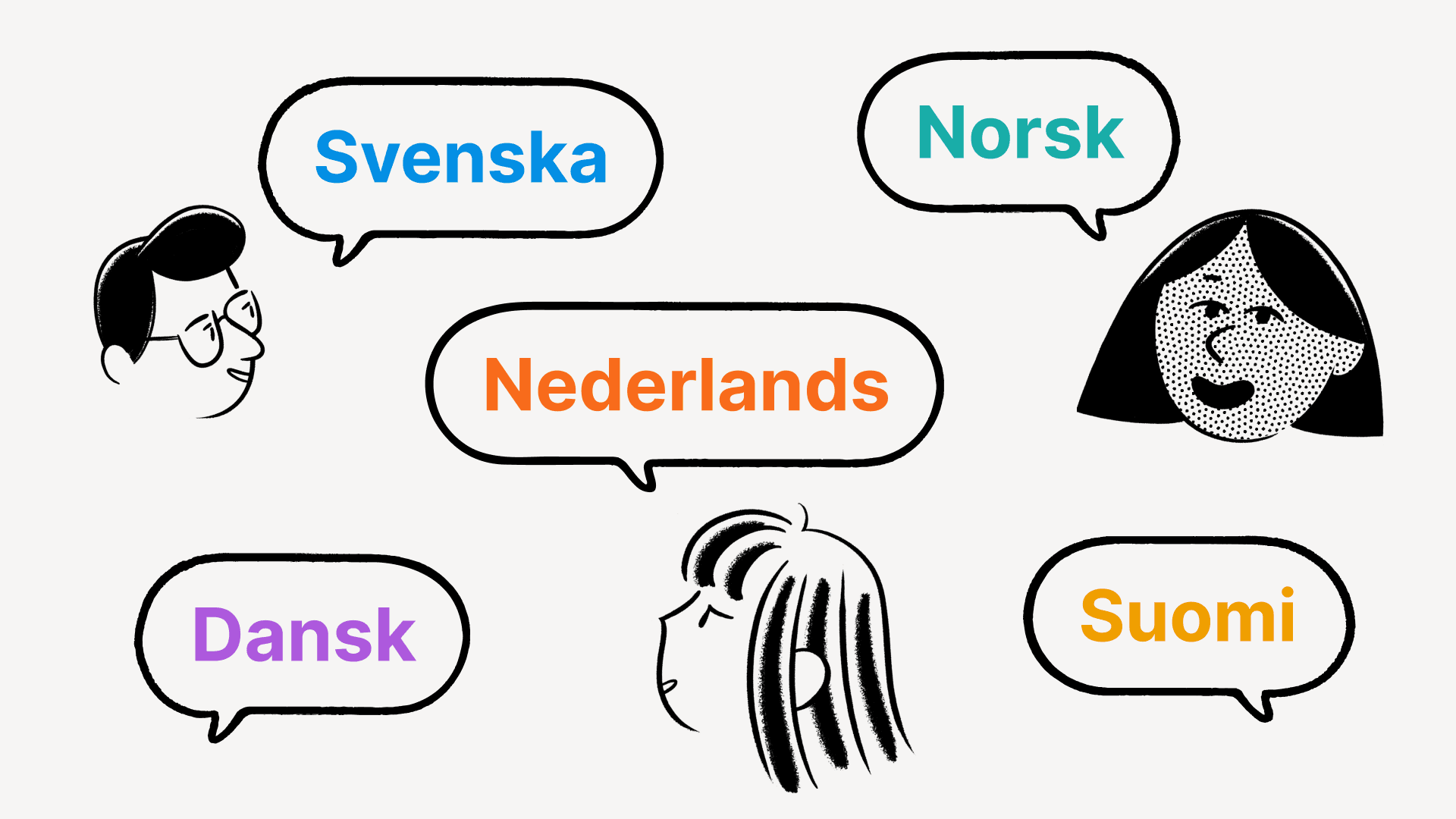
より多くの皆様にNotionを快適にお使いいただけるよう、Notionは大きな一歩を踏み出します!ウェブ版では本日から、モバイル版とデスクトップ版では翌数週間にわたり段階的に、Notion日本語版のベータ版がご利用いただけるようになります。

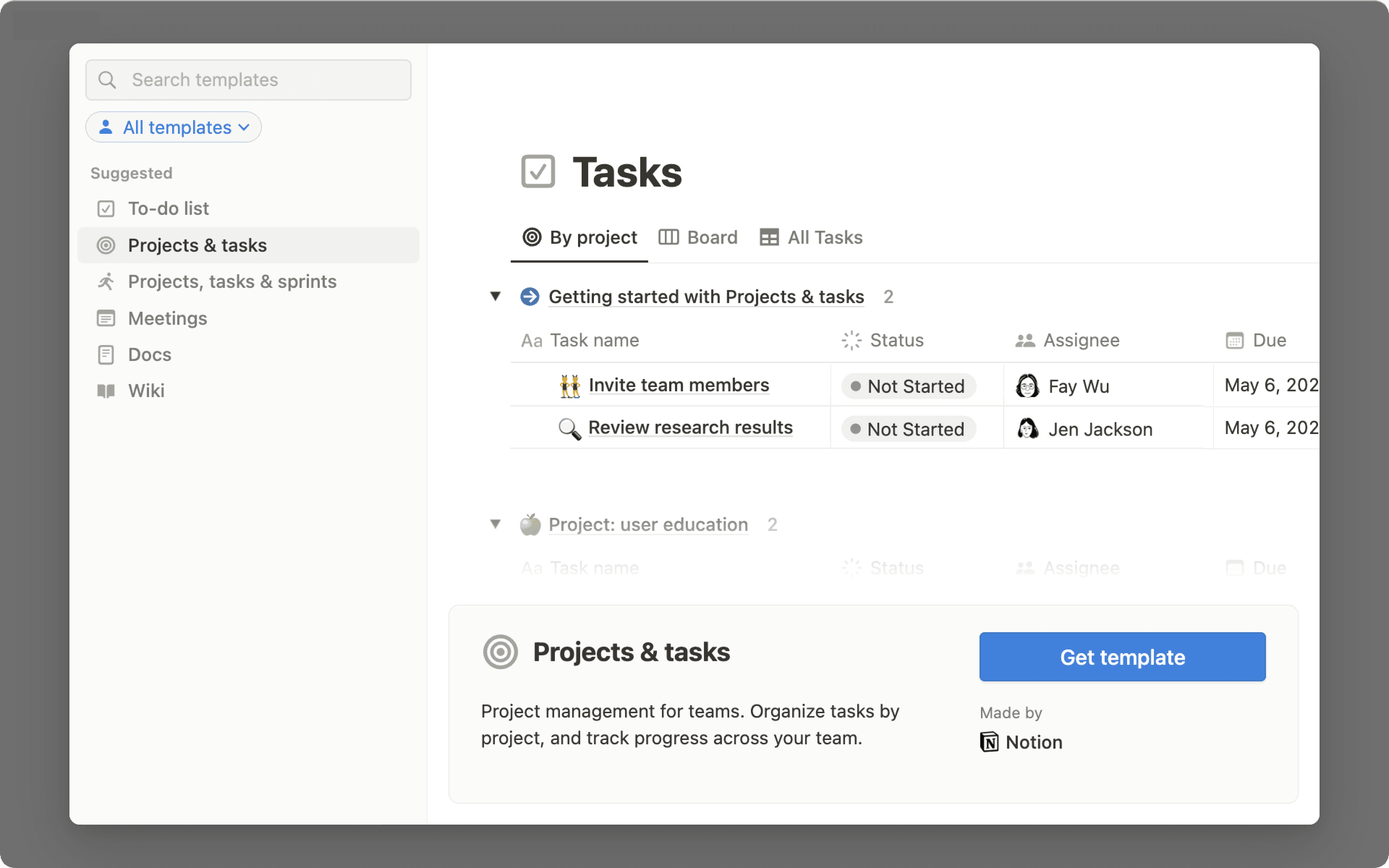
  • サイドバー左下の テンプレート ボタンから、日本語のテンプレートをご利用いただけます。

  • 日本語のガイド&チュートリアルは notion.com/help でご覧ください。

  • アプリ右下の?ボタン、またはモバイルサイドバー下部の ヘルプ&フィードバック から、日本語でサポートチームにお問い合わせいただけます。

日本語でご利用いただくには、以下の設定を実施してください。

  • デスクトップ版: Settings & members(設定) から Language & region(言語と地域) で日本語を選択してください。

  • モバイル版:お使いのデバイスの言語設定が日本語に設定されている場合、アプリの言語は自動で日本語に設定されます。

箇条書きリストの改良

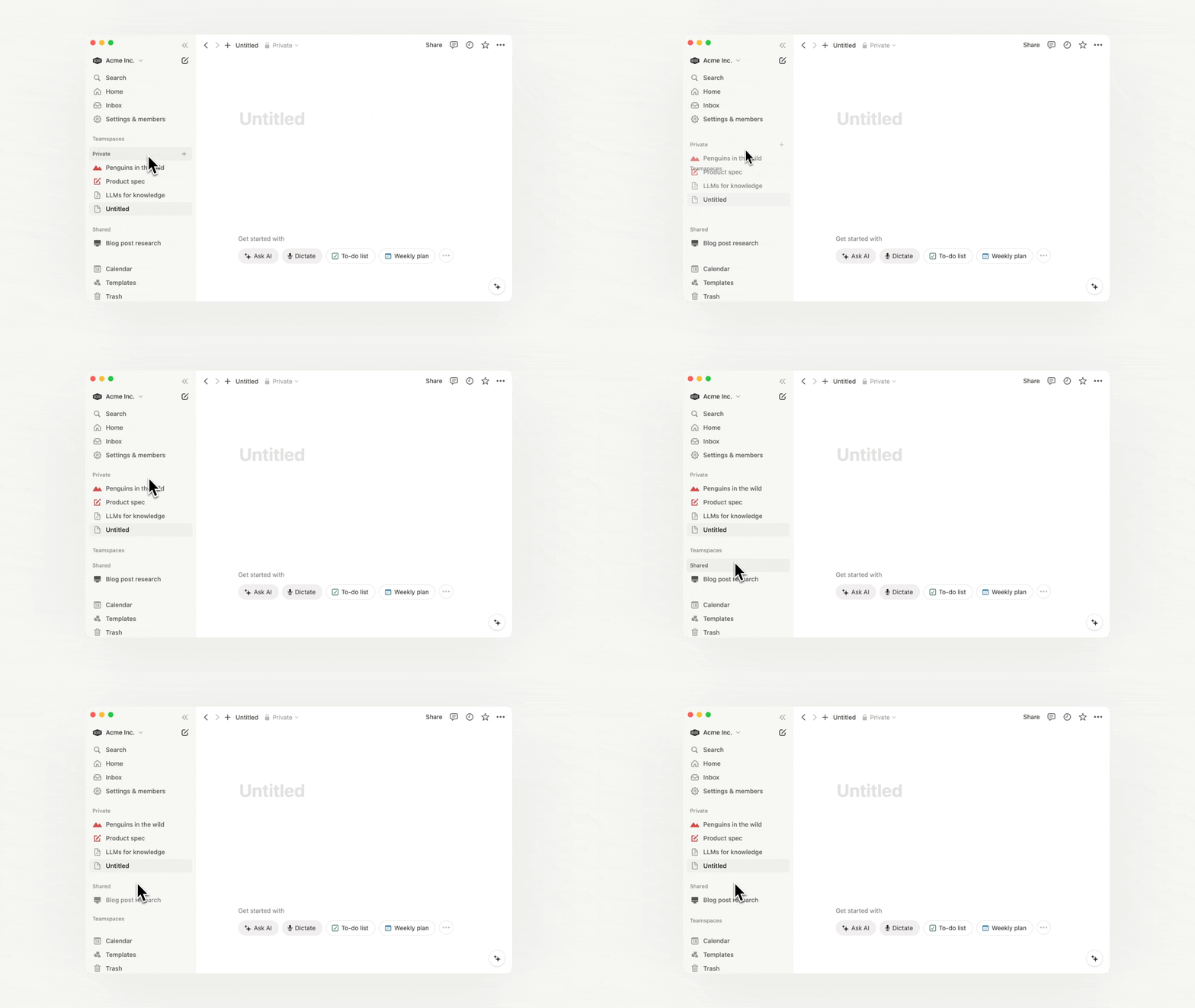
箇条書きの行頭記号が、デフォルトではディスク(黒丸)・サークル(白丸)・スクエア(四角)を順番に表示する仕様になりました。

データベースの全プロパティをワンクリックで表示切替

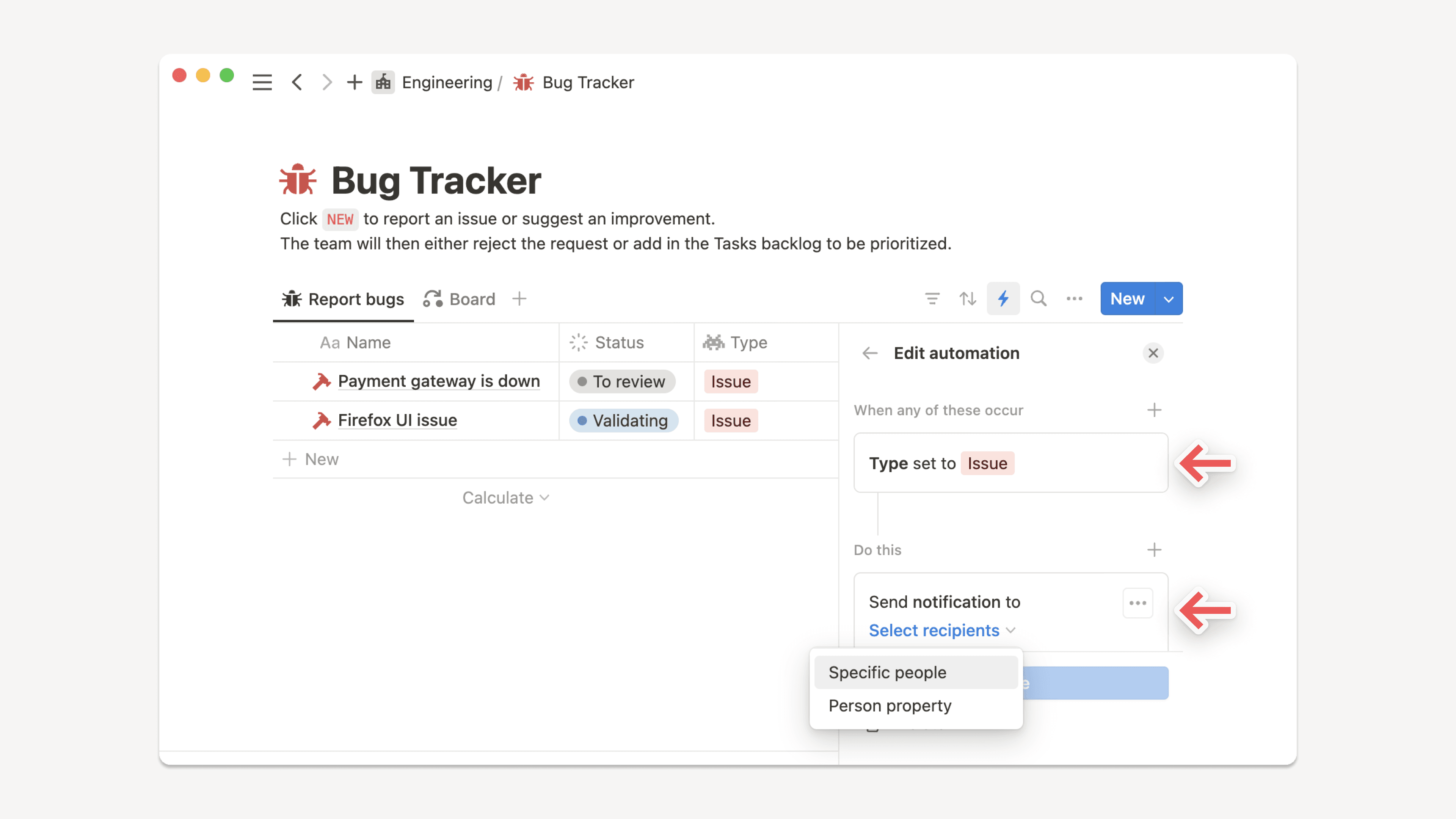
これまで、多くのプロパティを持ったデータベースの管理は面倒な作業でしたが、このたびプロパティの表示・非表示を一斉に切り替えられるようになりました。新しいビューを作成する時などに、まずデータベース右上の プロパティ ボタンから一斉切替したあと、必要・不要なプロパティのみをトグルで設定いただけます。

バグ改修と改善

  • API関連の新機能や改善についてはこちら developers.notion.com/changelog →

  • テンプレートボタン内での動的な @today、@now、@me メンションが可能になりました。

  • iOSおよびAndroidアプリで画像のピンチズームが可能になりました。

  • iPadOSでモバイルツールバーが消えなくなる不具合を改修しました。

  • 引用ブロックに他のブロックが含まれる場合にPDFに正しくエクスポートされない不具合を改修しました。

  • テンプレートから新しいページを作る際に、テンプレートに含まれるデータベースが正しく作成されない不具合を改修しました。

  • 一部のユーザーにてデータベースの全項目を一度に読み込めない不具合を改修しました。

  • 一部のユーザーにてアイコンのついたページにカバー画像を設定できない不具合を改修しました。

  • AndroidデバイスでUnsplashの画像プレビューが正しく表示されない不具合を改修しました。

  • 一部のユーザーに特定のページで "Oops! Something went wrong" というエラーメッセージが表示される不具合を改修しました。

Notion 2.12, now with better comments 💬

Better comments

Collaborate more effectively with your team through a completely redesigned comments experience in Notion. Here are the key ways it will improve the way you work together, whether you're giving feedback, suggesting revisions, or planning projects:

  • New comments sidebar
    See every comment on a page at a glance, and respond to any comment thread — all consolidated in your new right-hand sidebar.
    Use the Resolve button to archive any comments where no more action is required, or filter your sidebar to only view Resolved comments, so you can see a history of decisions made.

  • Attach images, GIFs, videos & files
    When you're commenting on someone's doc, giving feedback about your teammates' design, or asking a colleague for the correct PDF, plain text doesn't always get the job done.
    Now you and your teammates can add rich attachments to all your comments, including images, animated GIFs, full-length videos, and file attachments like DOCX files from Google Docs or Microsoft Word, PDFs & more.

  • Copy & share links to specific comments
    When folks are catching up on the status of a project or decision, it's helpful to point them to the exact thread where the discussion is taking place.
    To do this, click the ••• button that appears when you hover your cursor over a comment, then click Copy link. Then, paste the URL in a Slack message, email, text message, or however you want to share with your teammate.

Set a public home page for [yourdomain].notion.site

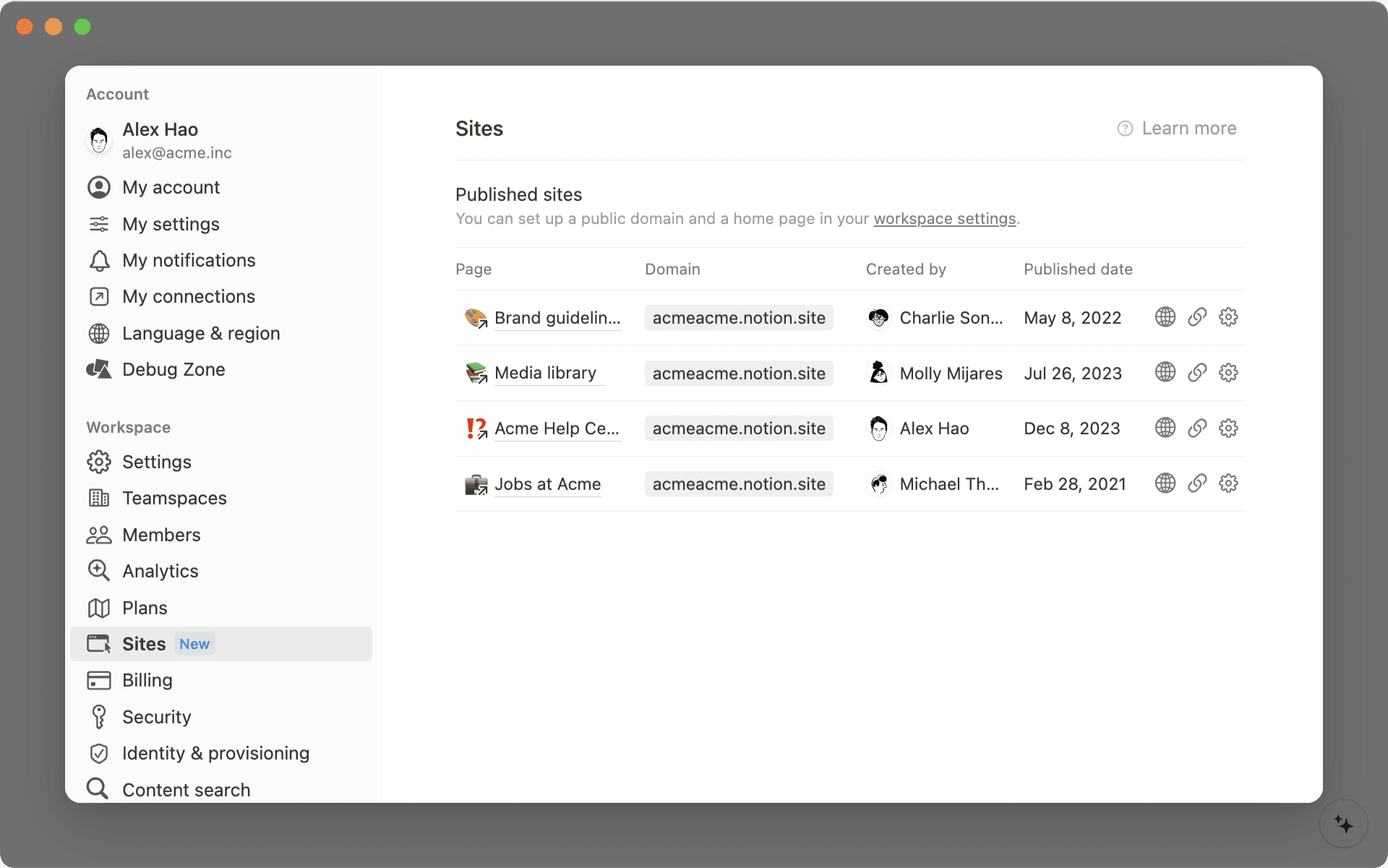
Hosting your company's careers page, investor pitch deck, or personal blog on a public Notion page? When someone asks for the link to your site, "acmedesign.notion.site/f7s8b0" doesn't exactly roll off the tongue, or fit on a business card. And before now, "acmedesign.notion.site" would have resulted in an error screen.

If you have a paid plan, you can now select a home page for your public site, so anyone who goes to .notion.site will be taken to whatever page you choose.

To do this:

  • Go to the page you'd like to set as the homepage for your public site, and ensure that Share to web is turned on in the Share menu

  • Go to Settings & membersSettings and scroll to the Public home page section to select your home page

  • Be sure to also select a custom domain name in the Domain section if you haven't done so already

Create Siri Shortcuts to your Notion pages

"Hey Siri, open my Notion dashboard." Now shortcuts like this are easy to create in the Shortcuts app on your iOS device. The next time you open your Shortcuts app, you'll find that Notion has been added as a compatible app. And if you usually open a Notion page on your device around the same time of day, it may appear in your Siri Suggestions as well.

P.S. You'll need to have opened the page on your device recently for it to appear in the Shortcuts app!

Find your Notion pages in Search on iPhone & iPad

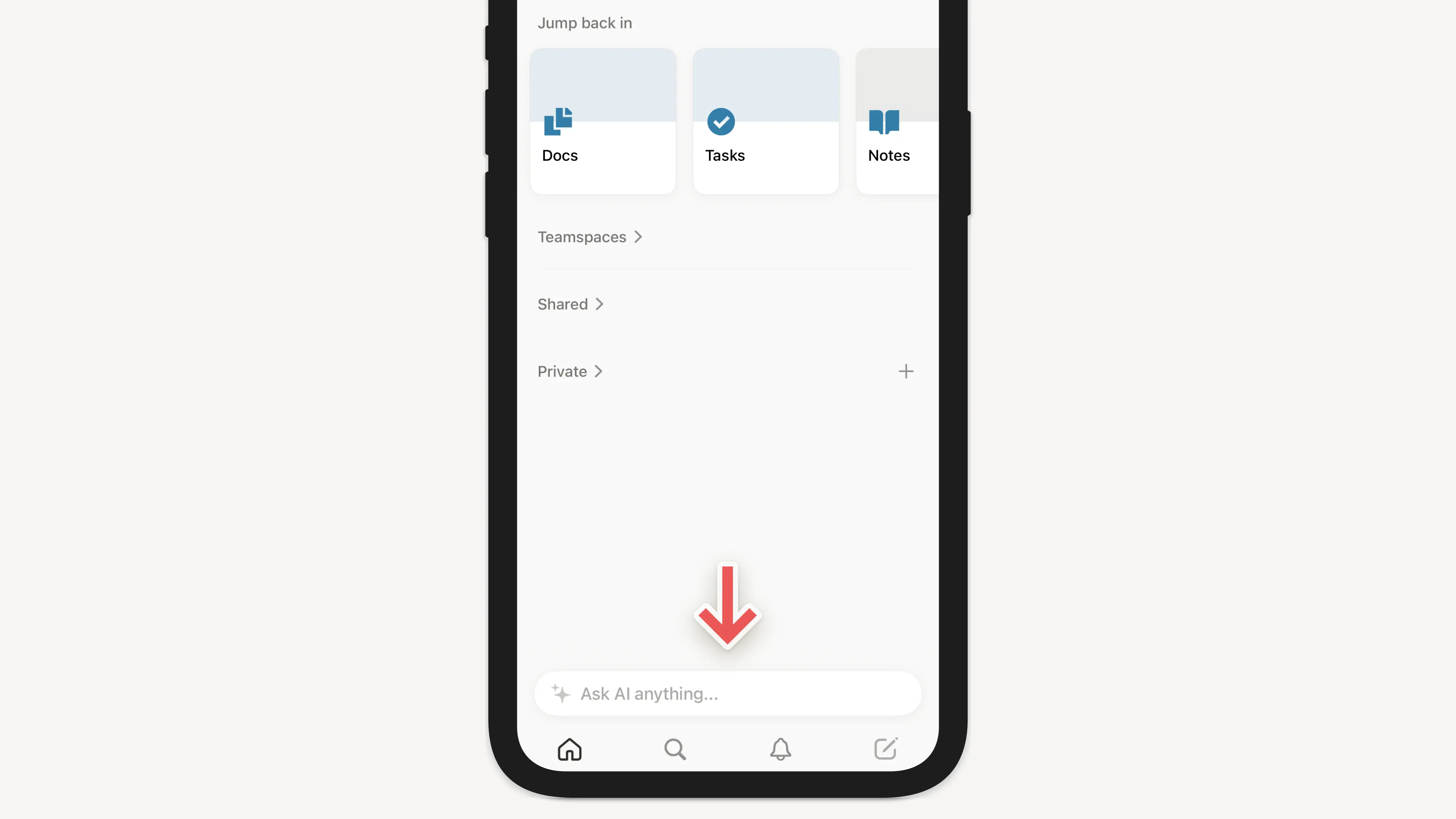
First, swipe down in the middle of your iOS home screen. When you type the name of a Notion page, it will appear in the search results (as long as you've viewed that page on your device before).

Copy & paste multi-column layouts

This one has been a long time coming! Now when you click and drag to select blocks in a multi-column layout and copy to your clipboard, the column structure will stay intact when you paste it somewhere else in Notion.

API integrations

We're excited to welcome a few new partners to the Notion platform!

  • Unito: Their two-way integration saves you time and effort by pulling in key data and information from your other work tools (like HubSpot, GitHub & Jira), allowing you to collaborate and manage projects from within your primary workspace

  • Hightouch: Dynamically power your Notion databases with up-to-date data from your data warehouses, including MySQL, PostgreSQL, Snowflake & more

  • Marker.io: Collect bug reports with screenshots, annotations & technical meta-data, directly into your Notion databases

We completely rebuilt our Help Center from the ground up, so you have easy access to all these resources in one place:

  • Read through bite-sized tutorials designed for folks who are new to Notion

  • Learn about Notion's more advanced features so you can build powerful workflows

  • Troubleshoot issues with your account, apps & billing

Bug fixes & improvements

  • For new API features & improvements, go to developers.notion.com/changelog →

  • Page mentions (e.g. Careers at Notion) have a new streamlined design

  • You can now include the dynamic mention @me within database templates

  • Pages with large images now load faster on mobile

  • Hitting Return / Enter to select a Select property value in the last line of a Table view no longer creates a new row

  • Fixed a bug that prevented SAML logins from working correctly on iOS

  • Fixed a bug that caused the formatting menu to appear while typing Chinese, Japanese, and Korean characters

Acquiring Automate.io

Exciting news! We're acquiring Automate.io!

This will accelerate our ability to build high quality integrations for teams & businesses, as well as more features for developers building on the Notion API.

Dynamic @today & @now mentions in database templates

When you're taking notes, typing @today or @now lets you quickly record the current day's date. They automatically resolve to display the month, day, and year as time passes, but they didn't work within database templates — until now.

When you type @today or @now while editing a database template, you'll see two options: one to record today's date, and a new option, Date when duplicated, which creates a dynamic date mention each time the template is used in the future.

New emojis & page icons 🐈‍⬛

We've heard it many times: there's something especially therapeutic about selecting the perfect emoji for your Notion pages. Plus, they make your content much easier to find later!

Now there are dozens of new emojis to choose from — add them as page icons at the top of your docs and databases, or type them inline in any paragraph with the : key, followed by the name of the emoji.

Find the full lists of new emojis here: 12.0, 12.1, 13.0, 13.1

Copy database properties to your clipboard in one click

Before, it took several clicks to take the information from a database property and copy it to your clipboard for pasting elsewhere.

Now you'll find convenient **Copy to Clipboard** buttons next to Text, Number, URL, Phone, Email, Created time, and Last edited time properties, making for a much faster workflow.

Better URL properties in databases

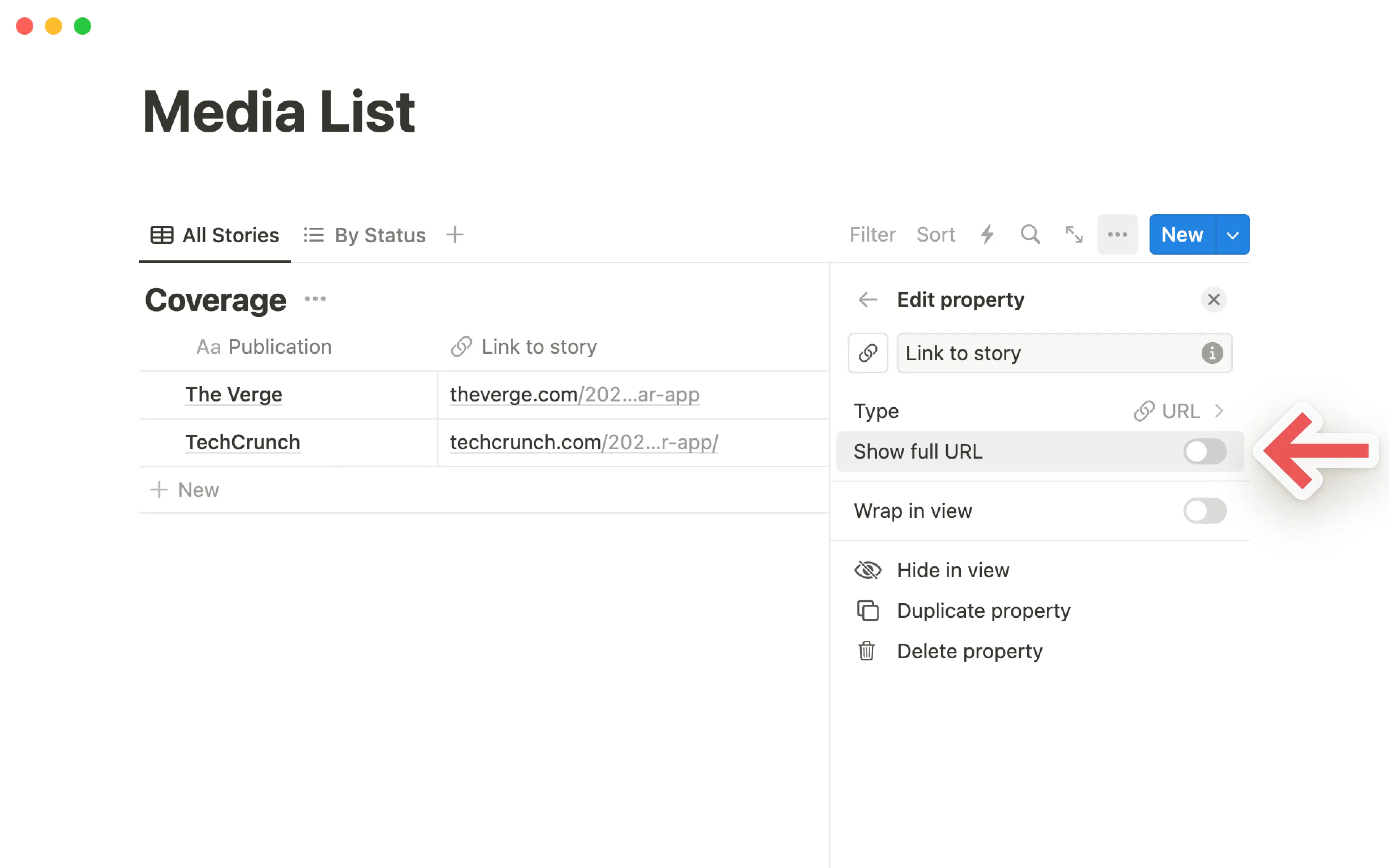
URL properties in your databases are now easier to use. Clicking the URL opens that page in your web browser, rather than selecting the property for editing. And there's a new Edit URL button that appears when you hover over the property with your cursor.

Recently visited pages sync across devices

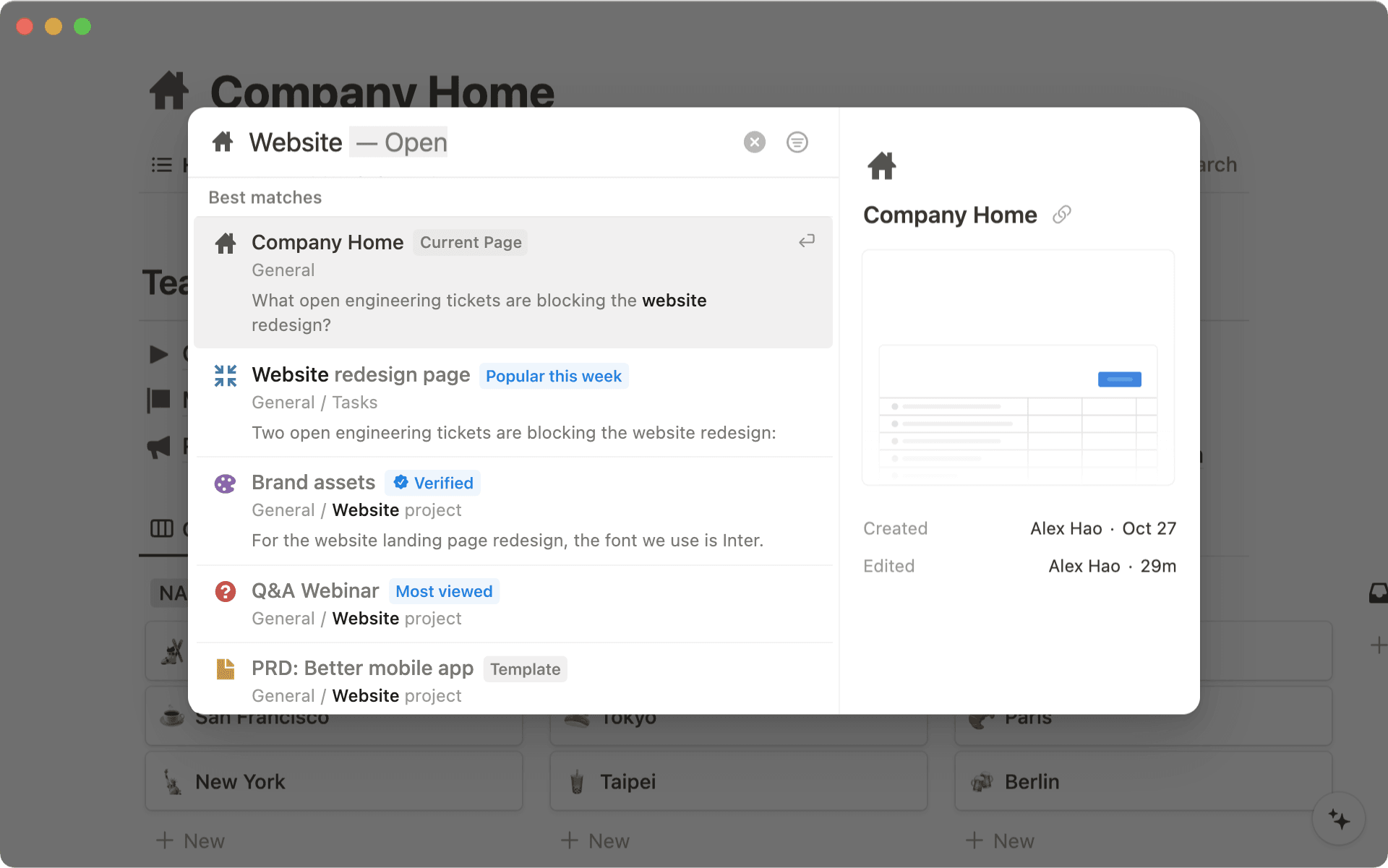
When you first open the Quick Find window, the first thing you'll see is a list of your RECENT PAGES. Now these sync across all your browsers & devices!

For example, if you're working on a page in the desktop app, it'll appear at the top of your RECENT PAGES section the next time you access your workspace in the mobile app.

Better quote blocks

Recently, we added the ability to include rich content within callout blocks. Now you can do the same with quote blocks!

To do this, grab a piece of content (such as images, bullets, databases & more) by the ⋮⋮ block handle to its left, then drag inside the quote block.

Bug fixes & improvements

  • Pages load faster on Android 📈

  • Text blocks containing @mentions of dates and people now automatically populate Date and Person properties when moved to a database

  • Now it's much easier to download, copy & share images from iOS while you're on the go — just double tap an image to open in full screen mode, then tap and hold

  • On iOS, you can now close your mobile keyboard by swiping it down

  • Admins in Enterprise Plan workspaces can now generate a SCIM API token in the Security & identity section of Settings & Members

  • Fixed a bug that caused page icons to appear incorrectly on Android & Windows devices

  • Fixed a bug that caused database filters to break after renaming Select & Multi-select property values

  • Fixed a bug that caused the "Start week on Monday" setting to appear in the My account section of Settings & members in addition to the Language & region section

  • Fixed a bug that prevented Gallery & Board card previews from displaying nested lists correctly within synced blocks, callout blocks, and quote blocks

Tactiq integration

New API integration with Tactiq

Tactiq's Chrome extension automatically transcribes your verbal conversations from Google Meet into written notes that you can search and reference later — and now you can quickly add those transcriptions to your meeting notes in Notion with their new integration.

Bug fixes & improvements

  • Fixed a bug that prevented links in Board view databases from opening in a new browser tab

  • Fixed a bug that prevented the mobile keyboard from being dismissable while editing a page title in the iOS app

  • Fixed a bug that prevented new pages from being created when dragging images & files into a Gallery view database

  • Fixed a bug that caused some topbar action buttons such as Share to be hidden for some users

SOC 2 compliance 🔒

SOC 2 Type 2 certification

We're now SOC 2 compliant, enabling more large teams to move their work onto Notion!

Now you can read a full report about how we limit access to data, implement authentication controls, manage incident response, and conduct employee security awareness training and background checks.

If you're a Notion Enterprise customer, reach out to your Account Executive or Customer Success Manager to see our full SOC 2 Type 2 report. If you're thinking about using Notion at your company, contact sales here and we'll send you a copy.

Bug Fixes & improvements

  • Buttons across the Notion interface can now be highlighted with the tab key, and selected with the return/enter key

  • When transforming a block to a toggle, the toggle now opens automatically after the change

  • Fixed a bug that caused the action bar to be missing on mobile devices for some users

  • Fixed a bug that prevented numbered lists from displaying correctly in PDF exports

  • Fixed a bug that caused backlinks & link to page blocks on public notion.site pages to redirect to a login screen when clicked

  • Fixed a bug that caused OS-level updates to uninstall the Notion Windows app

Notion for non-profits ❤️

We believe that non-profits should have equitable access to the tools they need to scale their impact. To help non-profits solve the world's toughest challenges, we're offering 50% off Team Plans for all U.S.-based 501(c)(3) organizations.

Later this year, we plan to expand this program internationally as well! Apply at notion.com/nonprofits.

Improved Calendar view on iPad & Android tablets

Now you can see detailed information about each of your pages while using Calendar view on your iPad or Android tablet, without having to tap on each individual day. Plus, you can drag & drop items from one day to another — just like desktop!

Better Callout blocks

Before, you could only include plain text inside your Callout blocks. Now you can include any type of rich content you like: bullets, numbered lists, toggles, images... you can even nest a Callout block within a Callout block 🤯

To do this, grab a piece of content by the ⋮⋮ block handle to its left, then drag inside the Callout block!

Better access management for your API integrations

Now you have even more control over what content is shared with an integration. And the process of adding an integration to your Notion workspace is much smoother now!

  • You can pick specific pages to grant access to with the new search field — you're no longer limited to the top-level pages in your workspace

  • The page picker will remember which pages you already granted access to, so you don't have to re-select them each time you want to adjust the integration's permissions

More inclusive Name field

Not every culture has last names/family names/surnames. So we revised the Name setting to use a single, unified field instead of two — this enables names of any structure when you're tagged by teammates in comments, pages, and "Person" properties in databases.

To customize how your name is displayed in your workspace, go to the My account section of Settings & members, under "Personal info."

New API integrations with Neeva & n8n

  • Neeva: Neeva is the world’s first ads-free, private subscription search engine for the public web — they make it easy to search within personal email accounts, calendars, applications, and cloud storage platforms by surfacing the most important information to you from the same familiar search box. Now you can connect your personal Notion to Neeva and search through your pages and databases. Once you log into Neeva, head to Apps to connect your account.

  • n8n: n8n is an extendable workflow automation tool that enables you to connect anything to everything via its open, fair-code model. Create advanced workflows between your Notion workspace and 200+ apps like Calendly, Discord, Telegram & more.

Write & run code in Notion with the Replit embed

Replit's instant IDE (integrated development environment) allows you to write and execute code right inside your browser, without the mess of ZIP files and headache of setup. Now you can embed a repl in any of your Notion pages!

Just type the slash command /repl to get started.

Bug Fixes & improvements

  • Over 30 currencies are now supported for Number property formatting in databases, and your most recently selected currency is highlighted at the top of the Number formatting list

  • Numbered lists can now start with numbers besides 1

  • Notion now remembers your most recently visited page when switching between workspaces

  • Fixed a bug that prevented proper handling of Chinese, Japanese & Korean fonts in PDF exports

  • Fixed a bug that prevented the /page slash command from working properly in Korean

  • Fixed a bug that prevented the open/close sidebar shortcut from working on Japanese keyboards — this shortcut can now be used with Ctrl / cmd + ¥

  • Fixed a bug that prevented the "presence" avatars at the top right from updating while navigating to a new page

  • Fixed a bug that caused public pages to redirect to the wrong login destination when attempting to duplicate the page as a template

Better mobile apps & public pages 🌐

Brand new formatting toolbar on iOS & Android

Your Notion mobile app just got a big upgrade! The formatting toolbar above your keyboard is completely redesigned from the ground up.

Now it's much easier to add & edit content on mobile — the toolbar intelligently recommends formatting options depending on the content you're working with. Changing the text & highlight color, notifying your teammates in a comment, indenting bullet points... it all feels faster and more natural in the new formatting toolbar.

Public pages are now hosted at [yourdomain].notion.site

You've always been able to turn any Notion page into a quick & easy website in just a couple clicks. Now the links you share with colleagues, customers and friends will include your personal branding right at the front!

  • Before, links to your public pages looked like this: notion.so/acmedesign/xxxxx12345

  • Now, links to your public pages will look like this: acmedesign.notion.site/xxxxx12345

To set the domain for your public links, just go to Settings & Members → Settings → Domain (you'll need to be on desktop, and an admin in your workspace).

Better numbered lists

Now all the numbered lists across your Notion workspace will default to alternating between numbers, letters, and Roman numerals at each level of indentation

Better quote blocks

To help maintain visual consistency across your pages, quote blocks now default to the same size as regular text. The large quote size is still available too. Just select your preference by clicking the ⋮⋮ block handle to the left of a quote block, and navigate to the new Quote size menu. Then all your future quotes will use that size.

New API integration with Back

We're excited to welcome a new partner to the API platform, Back. They help companies provide a seamless employee experience by making support and information readily available.

With this integration, teams like HR and IT always have the right Notion page on hand when responding to employee requests. Back’s bots for Slack, MS Teams, and Google Chat can also use your policies and how-tos to automatically answer FAQs, such as “What’s our expense policy?” or “How do I request time off?”

Bug Fixes & improvements

  • We now have hand-picked sans and serif typefaces for Chinese (Simplified & Traditional), Japanese & Korean in the ••• menu at the top-right corner of your pages

  • Syntax highlighting for Julia is now supported in code blocks

  • Fixed a bug that prevented Korean dates from being added as date @mentions

  • Fixed a bug that prevented Notion from navigating to the most recently visited page when switching between workspaces

  • Fixed a bug that caused the Count unique values button to show incorrect results for relation properties

Powered by Fruition